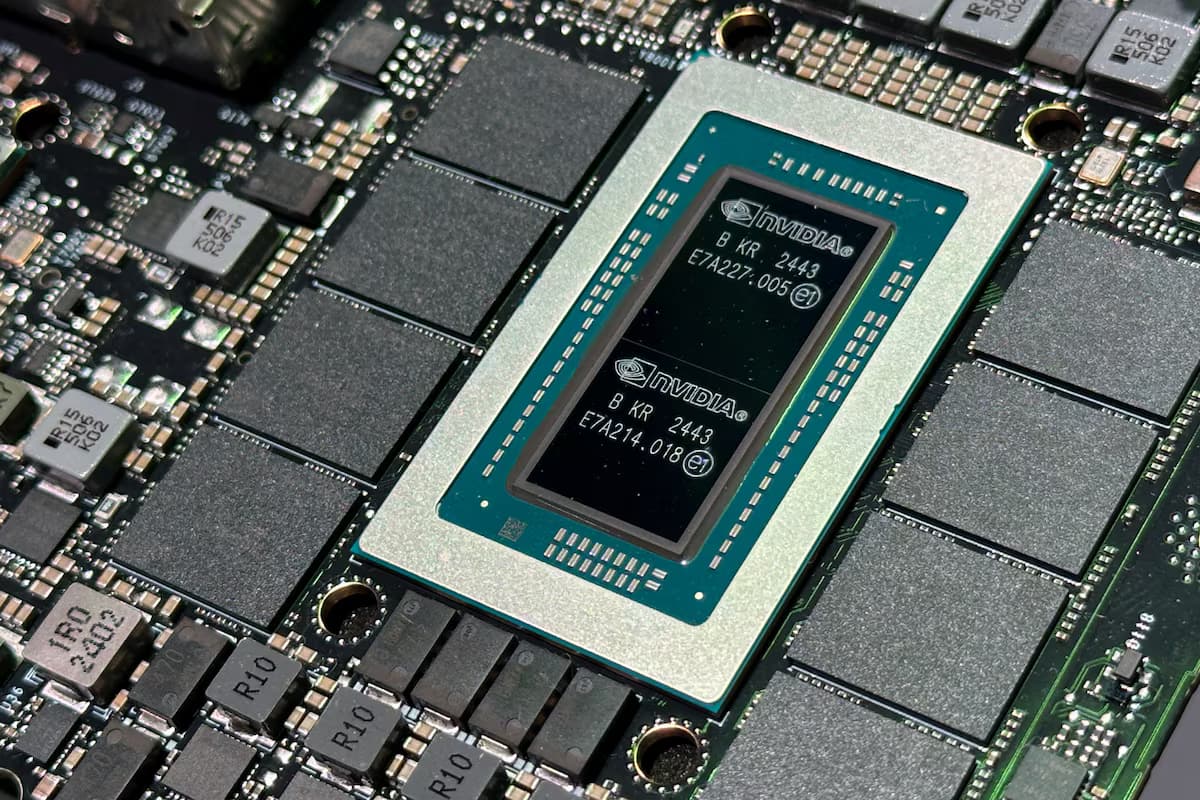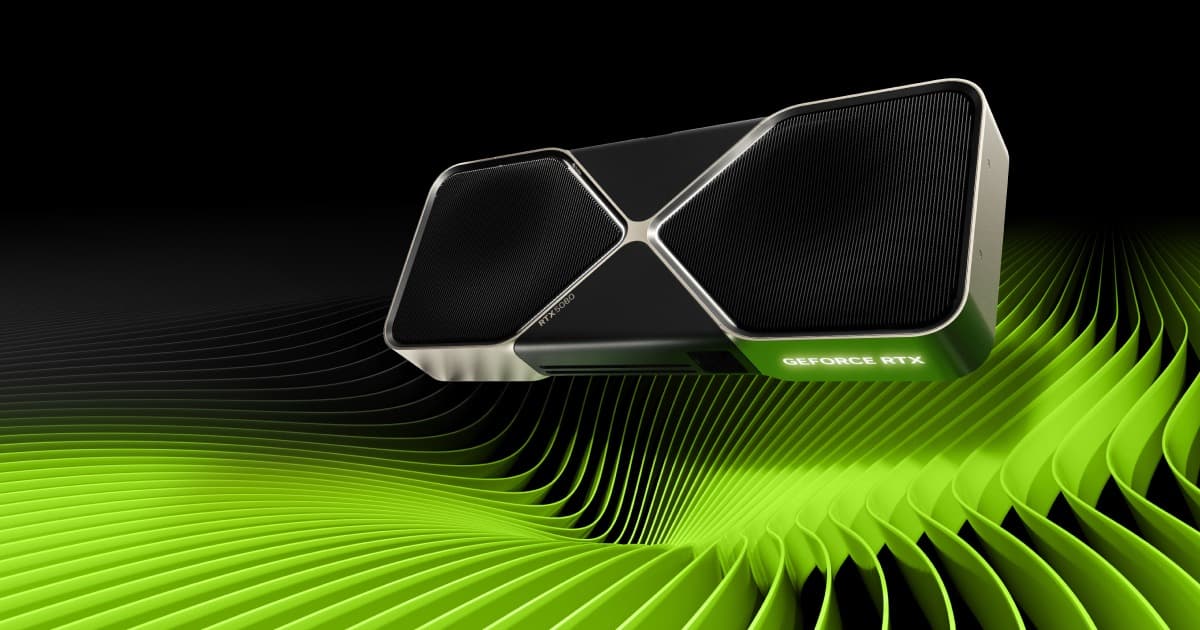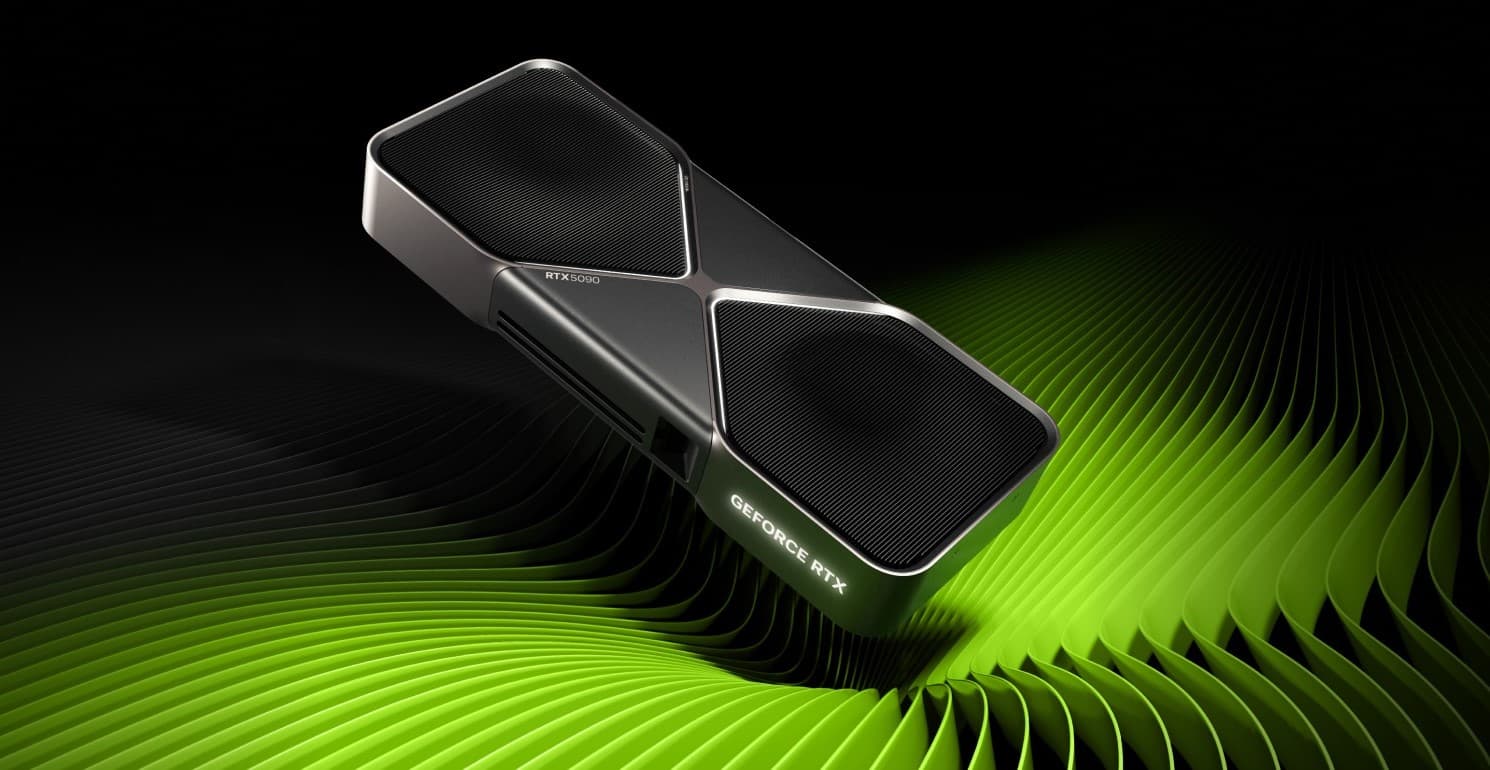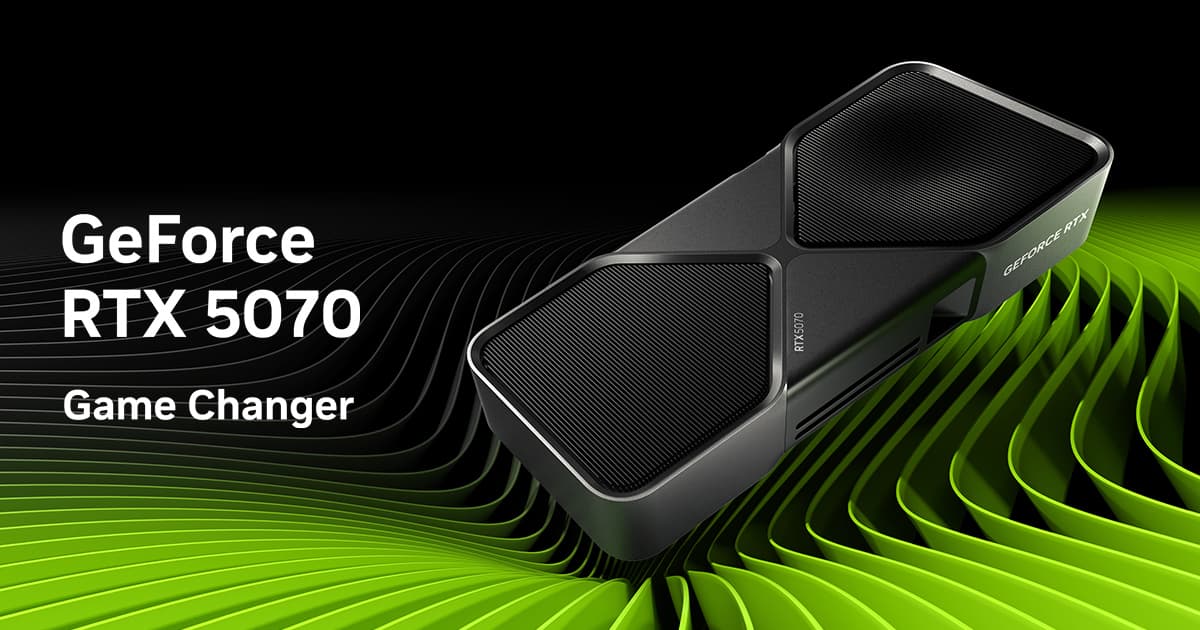

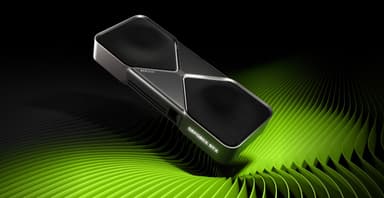
NVIDIA GeForce RTX 5090 32 GB GDDR7
Next‑gen Blackwell architecture – up to 2x performance, AI‑enhanced graphics, and cinematic 8K gaming
Key Highlights
- 21,760 CUDA cores + 32 GB GDDR7 – the fastest consumer GPU
- DLSS 4 with Multi Frame Generation – up to 4x frame rate boost
- Neural rendering: Radiance Caching & Neural Materials for movie‑quality graphics
- Dual‑slot vapor chamber cooler – 575W TDP in a compact form factor
- PCIe 5.0 x16 and DisplayPort 2.1 – ready for next‑gen displays
- 12V‑2x6 power connector for safe, reliable power delivery
Overview
How It Works
The RTX 5090 is powered by the Blackwell architecture, a fundamental redesign that doubles CUDA cores, introduces neural rendering, and uses GDDR7 memory. Here’s how it all comes together:
Blackwell Streaming Multiprocessor
Each SM packs 256 CUDA cores, 4 RT cores, and 8 tensor cores. The new FP4 tensor throughput quadruples AI performance over Ada Lovelace, enabling real‑time neural shading.
GDDR7 Memory Subsystem
32 GB of GDDR7 on a 512-bit bus delivers 1.79 TB/s of bandwidth. The faster memory clock and improved error correction ensure stable operation even at extreme data rates.
DLSS 4 with Multi Frame Generation
DLSS 4 can generate up to 3 additional frames per real frame, effectively quadrupling perceived frame rates. A new optical flow engine predicts motion with greater accuracy, reducing ghosting.
Neural Rendering Technologies
Neural Radiance Caching reuses lighting calculations, and RTX Neural Materials replace shader layers with AI‑trained representations. These technologies free up GPU resources for higher frame rates and fidelity.
Blackwell VRM & Power Delivery
A 22‑phase VRM with BVRM modules ensures clean, efficient power delivery. The new 12V‑2x6 connector supports the 575W TDP while improving safety over the original 12VHPWR.
PCIe 5.0 & DisplayPort 2.1
The PCIe 5.0 x16 interface doubles bandwidth for GPU‑to‑CPU communication. Three DisplayPort 2.1 ports support 8K 120 Hz HDR, and HDMI 2.1 handles 4K 240 Hz.
Key Features
21,760 CUDA Cores
The largest consumer GPU core count ever, delivering brute‑force rasterisation performance that easily handles 4K 144 Hz and 8K 60 Hz gaming.
32 GB GDDR7 Memory
Unprecedented memory capacity for a consumer card—ideal for AI training, 8K video editing, and massive 3D scenes.
DLSS 4 & Neural Rendering
AI‑powered frame generation, radiance caching, and neural materials transform how games render, boosting frame rates by up to 4x.
Dual‑Slot Vapor Chamber Cooler
Despite the 575W TDP, the card fits in a standard dual‑slot form factor. A redesigned vapor chamber and 12‑heatpipe array keep thermals in check.
3rd‑Gen RT Cores
Ray tracing performance doubles over Ada, enabling full path tracing at playable frame rates. Real‑time cinematic lighting in every supported game.
12V‑2x6 Power Connector
The updated connector provides a safer, more robust connection than the original 12VHPWR, with improved insertion detection and reduced melting risk.
Blackwell Architecture Deep Dive
How NVIDIA redesigned the GPU from the ground up
SM Redesign
Each Blackwell SM doubles the CUDA core count and quadruples tensor throughput. The new FP4 support accelerates AI tasks like DLSS and neural rendering, while improved RT cores handle more rays per clock.
Memory Hierarchy
A massive 128 MB L2 cache reduces GDDR7 traffic, improving effective bandwidth and power efficiency. Combined with on‑die ECC, the memory subsystem is both fast and reliable.
AI Accelerators
The 5th‑gen tensor cores can process FP4, FP8, FP16, and INT8 data types, making the RTX 5090 a formidable AI accelerator for local LLMs and Stable Diffusion.
DLSS 4 vs. Traditional Rendering
Why AI‑powered graphics are the future
Multi Frame Generation
DLSS 4 can create up to 3 interpolated frames, boosting 30 fps to 120 fps. Optical flow accuracy is enhanced to minimise artefacts, even in fast‑paced scenes.
Neural Radiance Caching
Instead of computing lighting for every frame, a trained AI caches and reuses global illumination data. This frees up shader cores for other tasks, increasing overall performance.
RTX Neural Materials
Complex materials like fabric, wood, and skin are rendered with AI‑trained shaders that look realistic but cost far less compute. Games can achieve movie‑quality textures in real time.
✓ Pros
- ✓Up to 2x performance increase over the RTX 4090
- ✓DLSS 4 multi‑frame generation delivers incredible fluidity
- ✓32 GB GDDR7 is a game‑changer for AI and content creation
- ✓Neural rendering technologies enable next‑gen visual fidelity
- ✓Dual‑slot cooler fits in most cases despite the 575W TDP
- ✓PCIe 5.0 and DisplayPort 2.1 future‑proof the card
- ✓Excellent for local AI inference and training
- ✓Backward‑compatible with all existing games and applications
✗ Cons
- ✗Extremely expensive at $1,999 MSRP
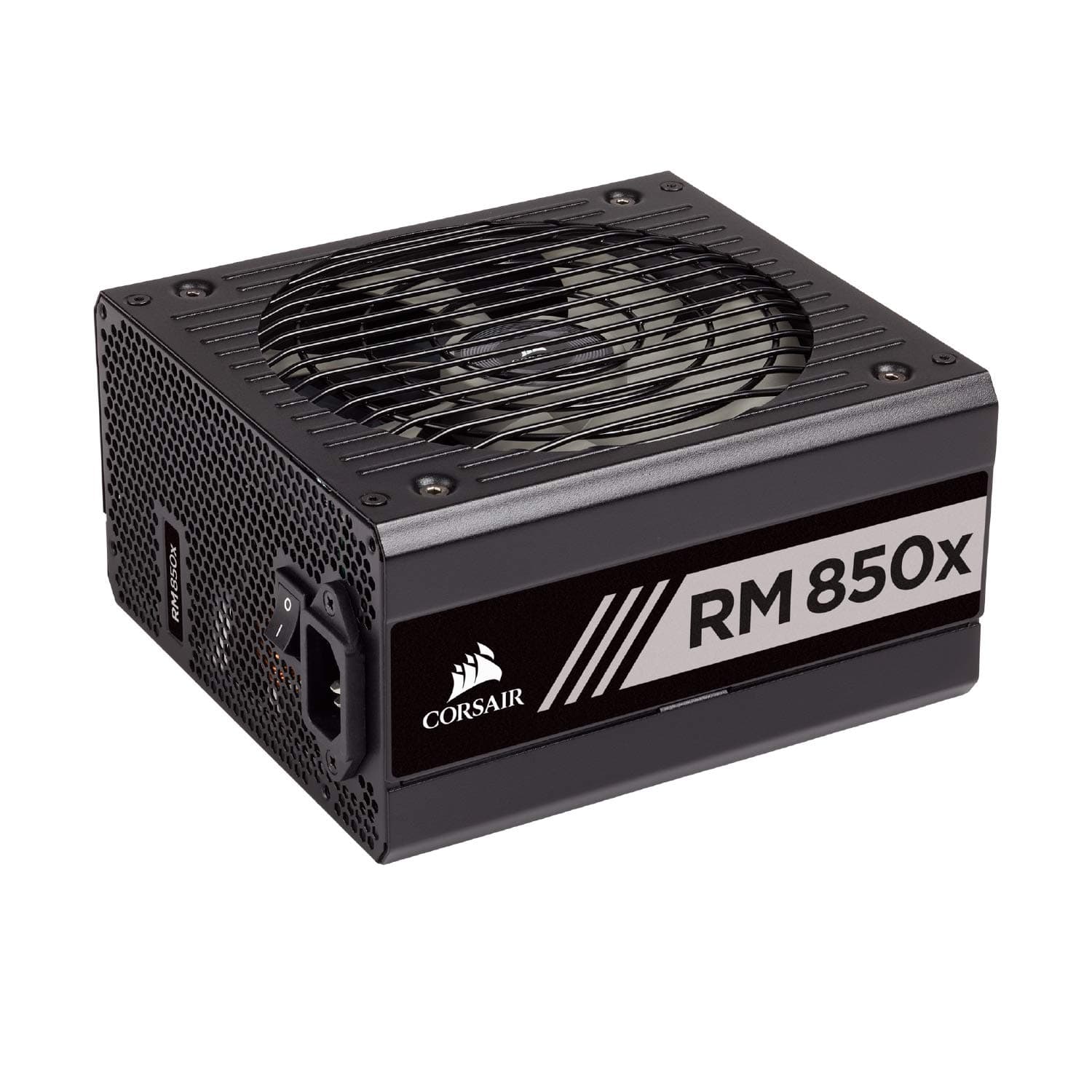
- ✗575W TDP demands a high‑quality 1000W+ power supply
- ✗Large physical size may conflict with some small form factor cases
- ✗GDDR7 memory may be overkill for current 4K gaming
- ✗DLSS 4 exclusive to Blackwell – older cards cannot use frame generation
- ✗Potential availability issues at launch
Use Cases
Technical Specifications
RTX 5090 vs RTX 4090 vs RX 7900 XTX
| Feature | rtx5090 | rtx4090 | rx7900xtx | |
|---|---|---|---|---|
| Architecture | Blackwell (4nm-class) | Ada Lovelace (5nm) | RDNA 3 (5nm + 6nm) | |
| CUDA / Stream Cores | 21,760 | 16,384 | 6,144 | |
| Memory | 32 GB GDDR7 | 24 GB GDDR6X | 24 GB GDDR6 | |
| Bandwidth | 1.79 TB/s | 1.0 TB/s | 960 GB/s | |
| TDP | 575W | 450W | 355W | |
| DLSS / FSR | DLSS 4 (Multi Frame) | DLSS 3 (Frame Gen) | FSR 3 | |
| Performance (4K) | ~140 fps Cyberpunk | ~70 fps Cyberpunk | ~50 fps Cyberpunk |
Setup Tips
Use the Correct Power Connector
Always use the 12V‑2x6 cable that comes with your PSU or a certified adapter. Do not use third‑party cables or adapters from previous generations, as they may not support the full 575W draw.
Update Your Motherboard BIOS
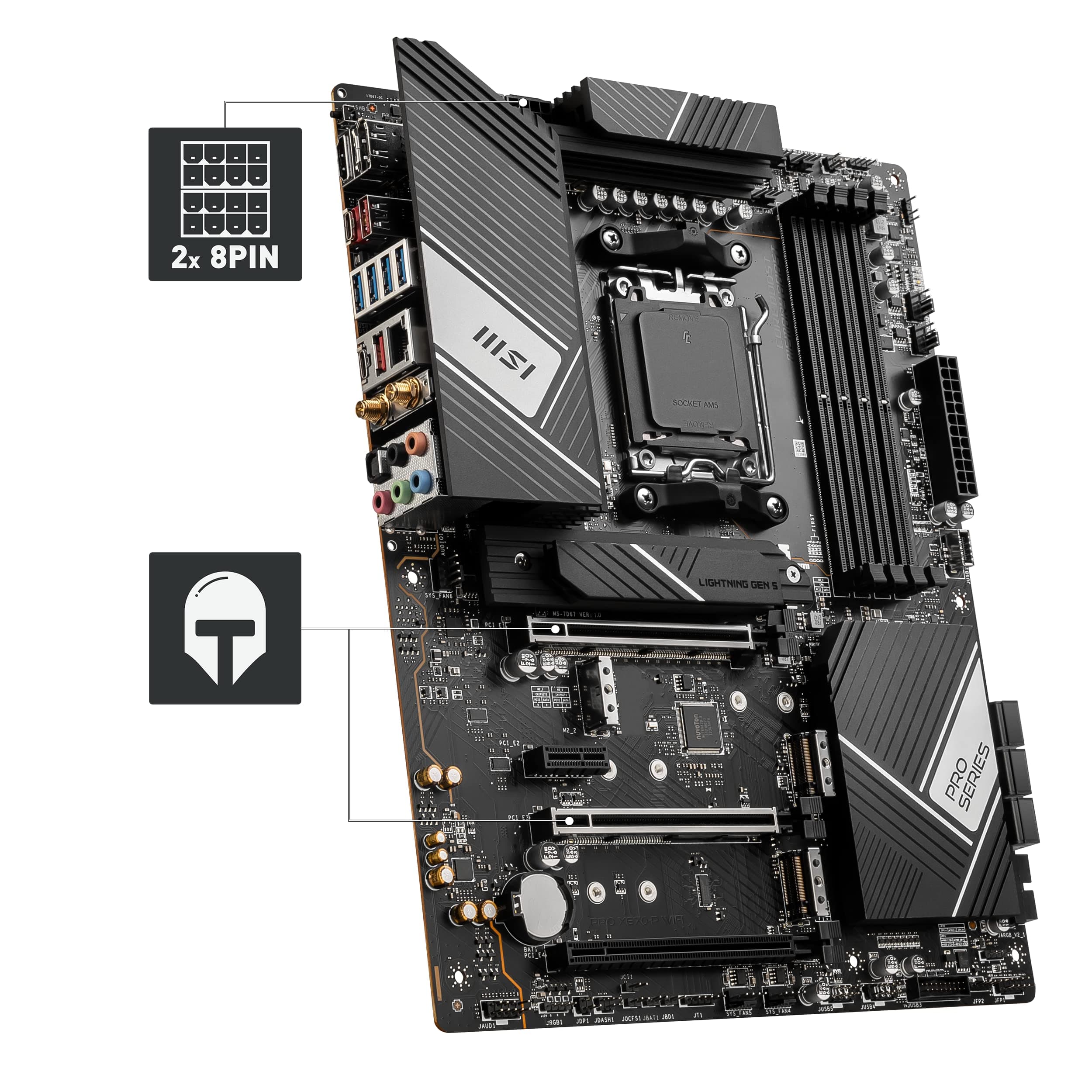
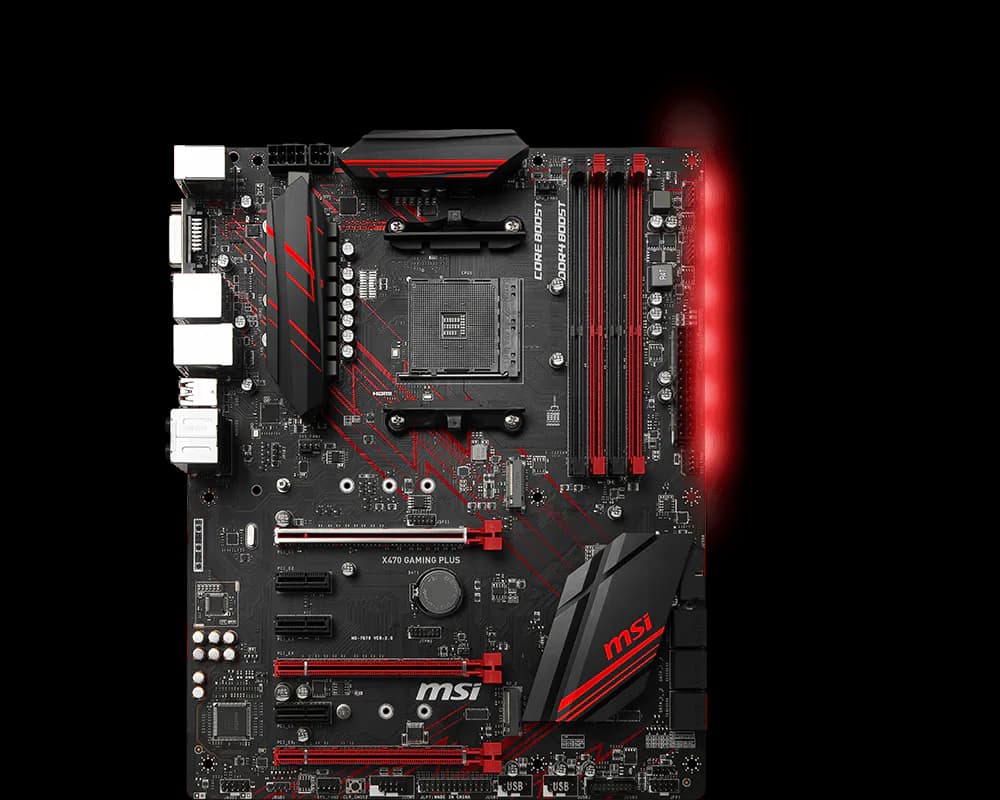
For maximum PCIe 5.0 compatibility, update your motherboard’s BIOS to the latest version. This ensures proper link negotiation and Resizable BAR support.
Ensure Adequate Airflow
The RTX 5090’s dual‑slot cooler is efficient, but a well‑ventilated case is essential. Install at least two front intake fans and one rear exhaust to keep ambient temperatures low.
Install the Latest Game‑Ready Drivers
Day‑one drivers enable DLSS 4 and neural rendering optimisations for new games. Download the latest drivers from NVIDIA’s website or via GeForce Experience.