

Kali Linux
The industry‑standard penetration testing and ethical hacking distribution
Overview
How It Works
Kali Linux is based on Debian Testing, which provides a vast repository of stable software. It uses a custom kernel patched for wireless injection and low‑level operations. By default, only minimal services run, reducing the attack surface. Here’s how it comes together:
Custom Kernel & Root Access
The kernel is modified for packet injection and other low‑level hardware access required by security tools. Kali runs as root by default, because many tools need raw socket access and full packet manipulation – though you can create a standard user for daily tasks.
Tool Categories
Over 600 tools are organised into logical groups: Information Gathering, Vulnerability Analysis, Wireless Attacks, Web Applications, Exploitation Tools, Stress Testing, Sniffing & Spoofing, Password Attacks, Maintaining Access, Reverse Engineering, Hardware Hacking, and Forensics.
Live USB & Persistence
You can boot Kali directly from a USB stick. With a persistence partition, all your files, settings, and newly installed tools survive reboots – carrying a complete hacking environment in your pocket.
Forensic Mode
A special boot option that never touches the host’s internal disks. Evidence is preserved intact, making Kali suitable for digital forensics and incident response.
Customisation with kali-tweaks
The kali-tweaks utility lets you easily enable/disable services, switch kernels, or tweak the desktop environment – all from a simple terminal menu.
Repositories & Rolling Updates
The Kali Linux repositories are signed by Offensive Security for integrity. The rolling release model ensures you always have the latest tools and security patches without ever reinstalling.
Key Features
Over 600 Pre‑Installed Security Tools
Kali includes the most comprehensive collection of security tools in a single OS. Metasploit, Nmap, Wireshark, Burp Suite, Aircrack-ng, John the Ripper, Hydra, sqlmap, and hundreds more – all pre‑configured and ready to use.
Rolling Release Model
Kali follows a rolling release model, meaning you continuously receive the latest tool updates, kernel patches, and distribution improvements without needing to reinstall major versions.
Live USB with Persistence
You can boot Kali directly from a USB drive and save your files, settings, and tool configurations across reboots, allowing you to carry a portable hacking environment in your pocket.
Undercover Mode
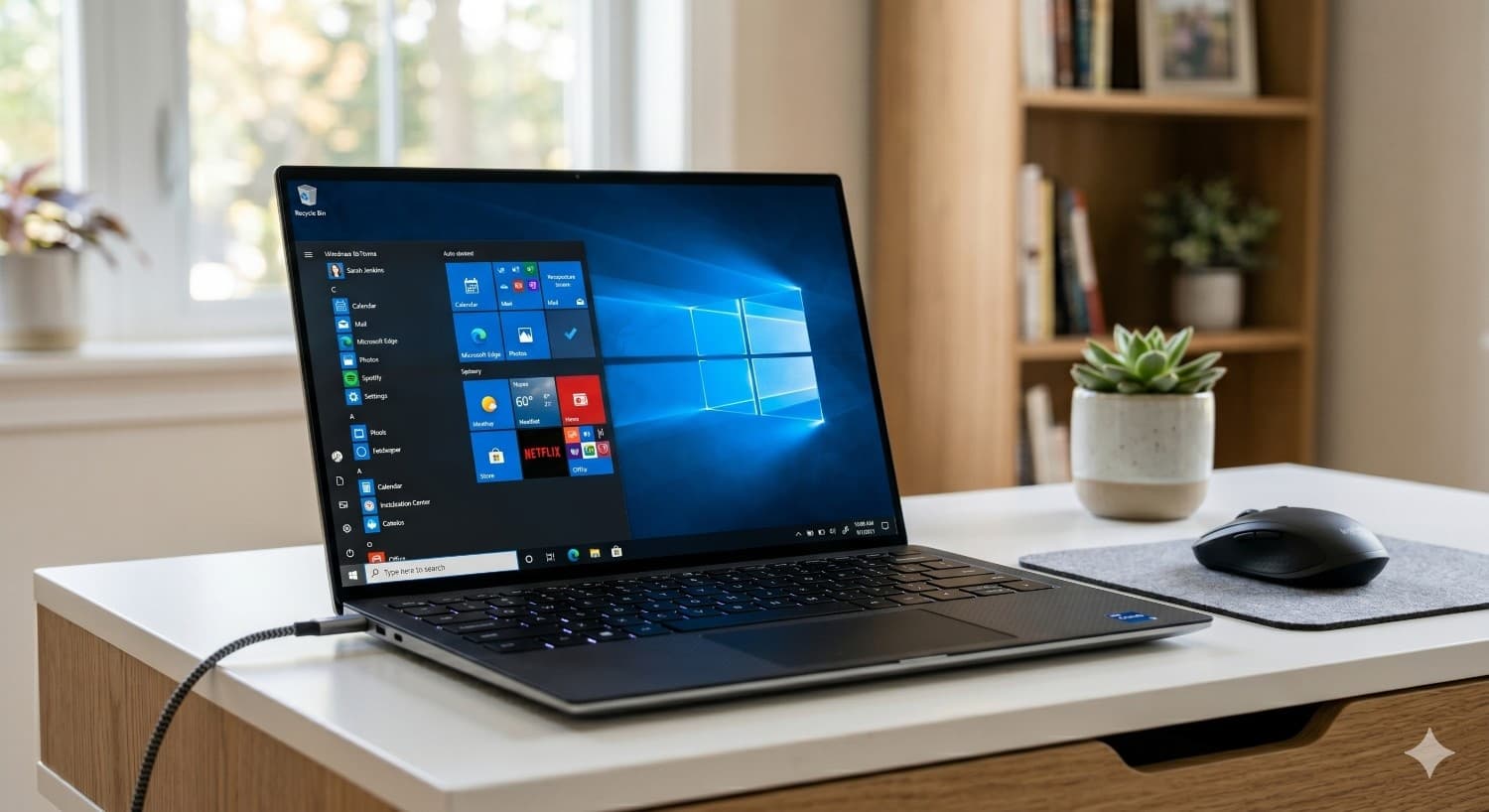
Turn your Kali desktop into a Windows 10 lookalike with a single click – perfect for blending in during social engineering assessments or working in public without drawing attention.
Wide Hardware Support
Kali runs on x86/64 PCs, Raspberry Pi, Odroid, Pinebook, and many ARM devices. It also works inside WSL (Windows Subsystem for Linux) and as a Docker container.
Forensic Mode
A special boot option that disables auto‑mount of internal drives, preserving evidence integrity during digital forensics investigations.
Kali NetHunter
A mobile penetration testing platform for Android devices, allowing you to run Kali tools from your phone or tablet, with support for wireless attacks and HID keyboard attacks.
Kali Undercover & Kali Purple
Kali Purple is an upcoming release focused on defensive security (SOC, blue team), while Undercover Mode disguises the desktop as Windows for stealth.
The Terminal: Your Primary Weapon
Mastering the command line in Kali Linux
Zsh & Oh My Zsh
Kali ships with Zsh as the default shell, enhanced by Oh My Zsh for powerful autocompletion, syntax highlighting, and theme support. The default theme shows Git branches, exit codes, and a lightning‑fast prompt.
Essential Terminal Commands
`sudo` runs commands as root; `apt update && apt upgrade` keeps the system up‑to‑date; `kali-tweaks` launches the setup wizard; `searchsploit` searches Exploit‑DB locally. Every tool can be launched from the terminal.
Custom Aliases & Shortcuts
Create aliases for frequently used tools: `alias nmapscan='nmap -sV -sC -O'`. The `.zshrc` file is fully customisable, and common penetration testing workflows can be scripted.
Tmux & Terminal Multiplexing
Use `tmux` to split your terminal into panes – run a scan in one pane while editing a report in another. Sessions persist even if you close the terminal.
Top 10 Must‑Know Tools
A walkthrough of Kali’s most powerful utilities
Nmap – Network Mapper
Scan networks to discover hosts, services, open ports, and operating systems. `nmap -A 192.168.1.1` performs an aggressive scan with OS detection, version scanning, and script scanning.
Metasploit Framework
The world’s most used penetration testing framework. Exploit known vulnerabilities, deliver payloads, and establish command shells with `msfconsole`.
Wireshark – Packet Analysis
Capture and interactively browse network traffic. Essential for diagnosing network problems and analysing malicious activity.
Aircrack-ng Suite
A complete suite for assessing WiFi network security. Capture packets, crack WEP/WPA keys, and perform deauthentication attacks.
John the Ripper & Hashcat
Password cracking tools that support hundreds of hash types. Use with wordlists like `rockyou.txt` or brute‑force with GPU acceleration.
Burp Suite
A web application security testing platform. Intercept and modify HTTP/HTTPS traffic, fuzz parameters, and scan for vulnerabilities like SQL injection and XSS.
sqlmap
Automate the detection and exploitation of SQL injection flaws. `sqlmap -u 'http://target.com/page.php?id=1' --dbs` enumerates databases.
Hydra
Fast online password brute‑forcing for FTP, SSH, HTTP, and many other protocols. `hydra -l admin -P passlist.txt ssh://192.168.1.100`.
Netcat
The TCP/IP Swiss Army knife – read/write data across networks. Use it for port scanning, banner grabbing, file transfers, and backdoors.
Autopsy & Foremost
Digital forensics tools. Autopsy provides a graphical interface for analysing disk images, while foremost recovers files based on headers.
Pros
- ✓Largest collection of pre‑installed security tools available in any OS
- ✓Based on stable Debian with a rolling release for up‑to‑date packages
- ✓Free and open source – no licences required
- ✓Runs on a huge range of hardware, including ARM and cloud
- ✓Live USB persistence allows a portable hacking environment
- ✓Excellent documentation and active community support (Kali Forums, OffSec)
- ✓Regularly updated for new tools and security patches
- ✓Undercover Mode and Forensic Mode add practical, real‑world flexibility
- ✓Essential for cybersecurity certifications (OSCP, GPEN, CEH)
- ✓Kali NetHunter brings security testing to mobile devices
Cons
- ✗Not designed for daily desktop use (office, gaming, multimedia) – it’s a specialised tool
- ✗Default root access can be dangerous if misused; beginners should exercise caution
- ✗Some hardware (WiFi chipsets) may require manual driver installation for packet injection
- ✗Heavy resource usage by certain tools can be taxing on older hardware
- ✗May attract unwanted attention if used on public networks without permission
- ✗Learning curve: requires command‑line proficiency and cybersecurity knowledge
- ✗Not recommended as a primary OS for non‑security tasks
Use Cases
Technical Specifications
Kali Linux vs Parrot OS vs BlackArch
| Feature | kaliLinux | parrotOS | blackArch |
|---|---|---|---|
| Base | Debian Testing | Debian Stable | Arch Linux |
| Desktop | XFCE (default) | MATE / KDE | None (CLI) or user‑chosen |
| Pre‑installed Tools | 600+ | 600+ | 2,800+ |
| Root Default | Yes | No (sudo) | No (sudo) |
| Anonymity Tools | Optional | Built‑in (AnonSurf) | Optional |
| RAM Usage (Idle) | ~600 MB | ~500 MB | Minimal (CLI) |
| Rolling Release | Yes | Yes | Yes |
| Forensics Mode | Yes | Yes | No |
| Best For | Penetration testing & OSCP | Privacy & daily use | Tool hoarders & Arch enthusiasts |
Setup Tips
Update Kali Immediately After Installation
Run `sudo apt update && sudo apt full-upgrade -y` to pull the latest tools and security patches. Kali rolls quickly, so this is essential.
Enable SSH Server (if needed)
Kali has SSH disabled by default. Enable it with `sudo systemctl enable ssh && sudo systemctl start ssh`. Change the default root password or use SSH keys for security.
Create a Standard User (Optional)
For daily non‑root use, create a standard user: `sudo useradd -m -G sudo kali && sudo passwd kali`. Then switch to that user for browsing or office tasks.
Use Persistence on Live USB
After creating a Live USB with Rufus or `dd`, add a persistence partition using `sudo mkfs.ext4 /dev/sdX3` and then run `sudo mount /dev/sdX3 /mnt && echo '/ union' | sudo tee /mnt/persistence.conf`. Reboot with the `persistence` kernel parameter.
Install Kali in WSL (Windows)
`wsl --install -d kali-linux` from PowerShell will install Kali in Windows Subsystem for Linux. Then run `kali` to launch. Update with `sudo apt update && sudo apt upgrade`.