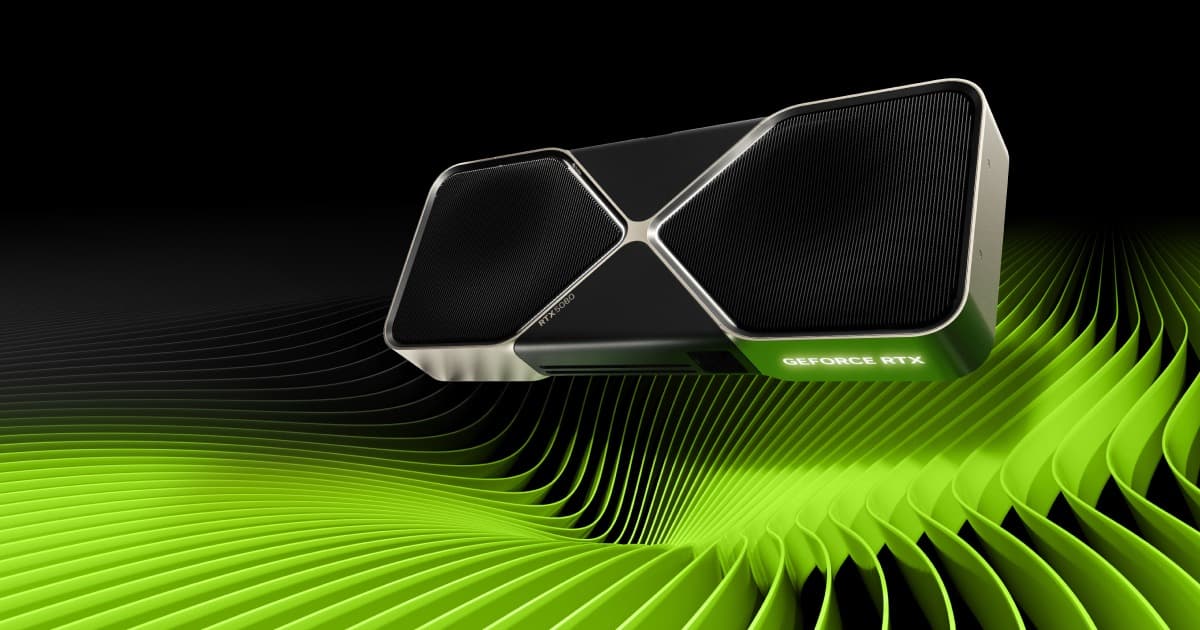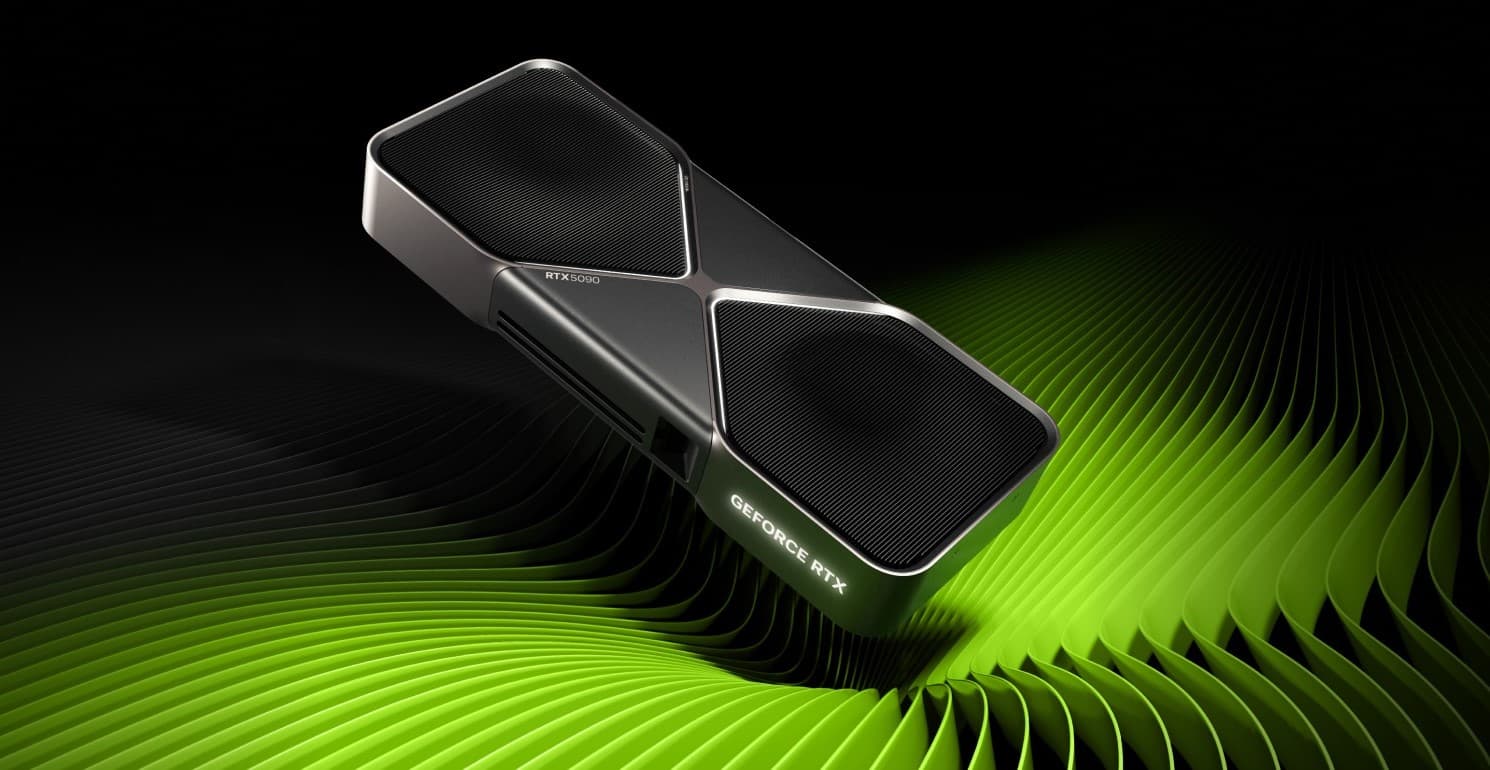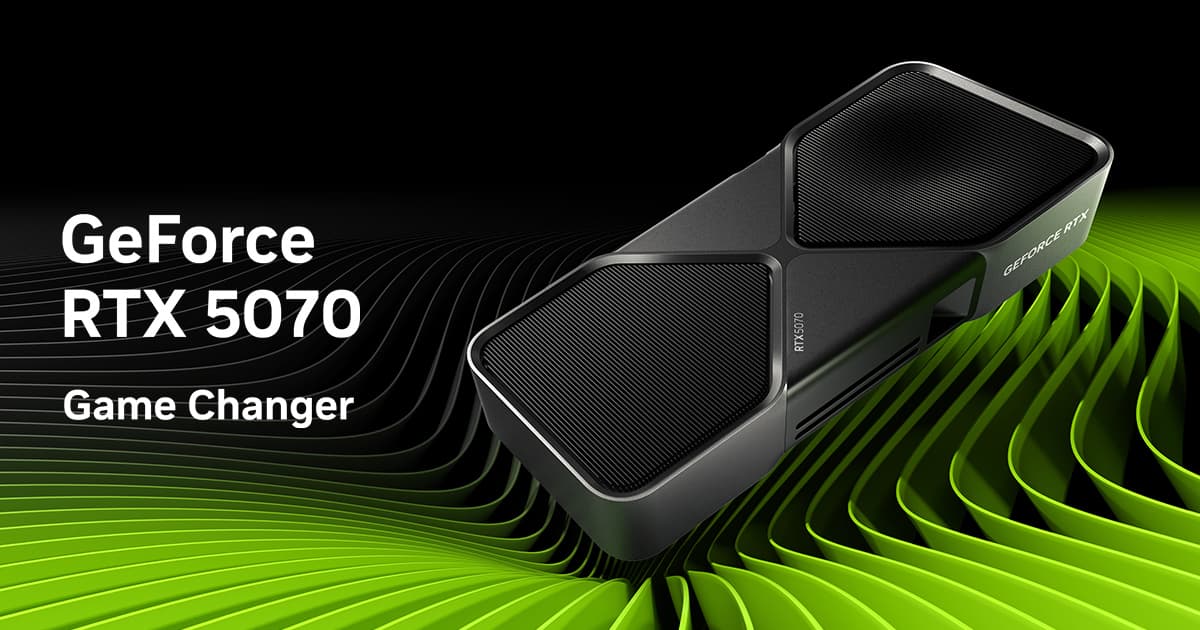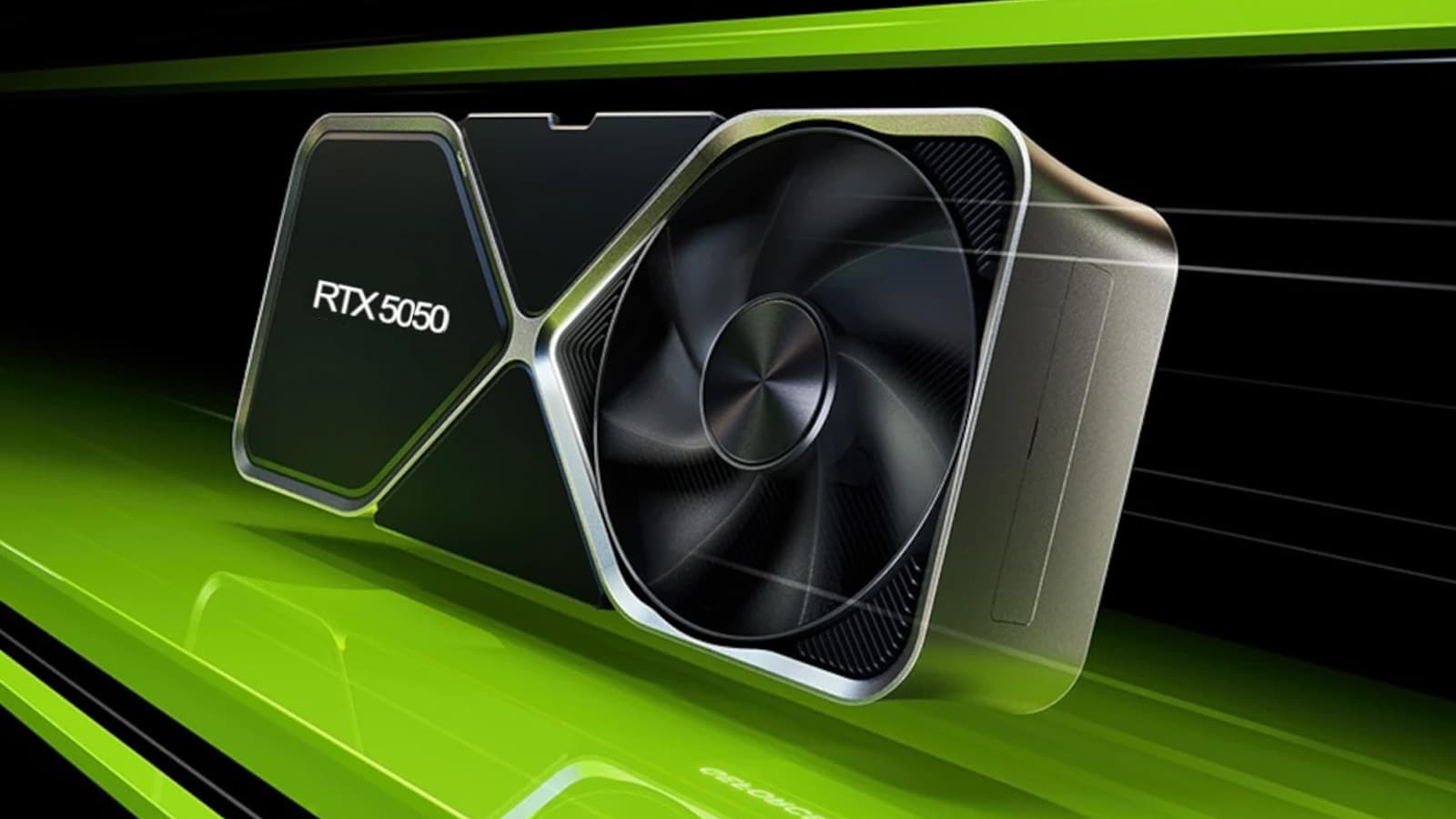

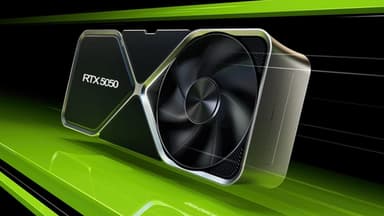
NVIDIA GeForce RTX 5050 8 GB GDDR6
Blackwell for ultra‑budget builds – 2,560 CUDA cores, DLSS 4, and playable 1080p gaming at an unbeatable price
Key Highlights
- 2,560 CUDA cores + 8 GB GDDR6 – the cheapest Blackwell GPU at $249
- DLSS 4 with 2× Multi‑Frame Generation – up to 3× higher frame rates, making 30fps games playable
- Neural Radiance Caching & RTX Neural Materials – AI‑powered graphics for ultra‑budget builds
- Compact single‑fan cooler – 130W TDP, often bus‑powered (no extra cables)
- PCIe 5.0 x16 and DisplayPort 2.1 – ready for modern displays
- Perfect for upgrading office PCs and budget gaming rigs
Overview
How It Works
The RTX 5050 brings Blackwell’s core technologies to the absolute entry level. Here’s how it works:
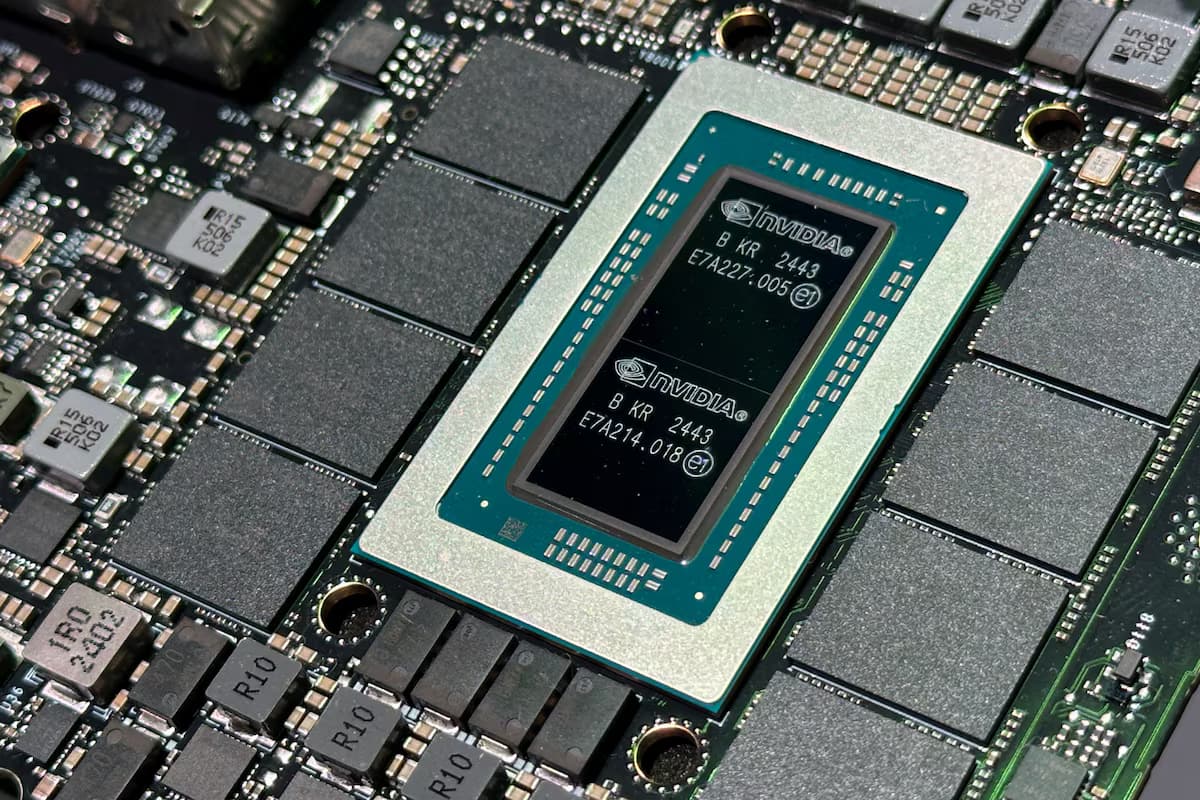
Blackwell Streaming Multiprocessor (10 SMs)
Each SM packs 256 CUDA cores, 4 RT cores, and 8 tensor cores. Total 2,560 CUDA cores. FP4 tensor throughput is quadrupled over Ada, enabling real‑time neural rendering at 1080p low settings.
128-bit GDDR6 Memory Subsystem
8 GB of GDDR6 on a 128-bit bus at 16 Gbps gives 320 GB/s bandwidth. A 12 MB L2 cache reduces effective latency and improves power efficiency for 1080p workloads.
DLSS 4 with 2× Frame Generation
DLSS 4 can generate up to 2 interpolated frames per real frame, tripling perceived frame rates. The optical flow engine is heavily optimised for low power and 1080p rendering.
Neural Rendering Technologies
Neural Radiance Caching reduces global illumination cost by 15%. RTX Neural Materials replaces complex shaders with AI approximations, freeing shader cores for higher fidelity at low resolutions.
4‑Phase VRM & Power Delivery
A 4‑phase voltage regulator ensures clean power. Most models are bus‑powered (75W from PCIe slot) or use a single 6‑pin connector for OC variants, making them compatible with very old or low‑wattage PSUs.
PCIe 5.0 & DisplayPort 2.1
PCIe 5.0 x16 interface doubles bandwidth over PCIe 4.0. Three DisplayPort 2.1 ports support 4K 240Hz or 8K 60Hz with DSC, and HDMI 2.1b adds 4K 144Hz VRR.
Key Features
2,560 CUDA Cores
A massive jump over GTX 1050 Ti (768 cores) and RX 570 (2,048 stream processors), delivering smooth 1080p 60Hz esports and 1080p 30-40fps AAA gaming.
8 GB GDDR6 Memory
Sufficient for 1080p gaming at low/medium textures, light content creation, and very small AI models (up to 1B parameters).
DLSS 4 with 2× Frame Generation
AI‑powered frame interpolation boosts frame rates by up to 3× – turning 30 fps into 90 fps at 1080p, making previously unplayable games smooth.
Compact Single‑Fan Cooler
130W TDP is easily handled by a compact single‑fan cooler with 1 heatpipe. Temperatures stay under 70°C under load with silent operation. Many models offer passive cooling at idle.
4th‑Gen RT Cores
Light ray tracing at 1080p is now possible on a sub‑$200 GPU. Games with RT reflections or shadows run at 30-40 fps with DLSS Performance.
Bus‑Powered or 6‑pin Option
Most RTX 5050 models draw power solely from the PCIe slot (75W), requiring no extra cables. Perfect for pre‑built PCs with weak power supplies.
Blackwell Architecture on RTX 5050
How NVIDIA brought next‑gen features to the absolute entry level
SM Configuration
The RTX 5050 uses 20 SMs on the entry-level GB207 die. Every SM is fully enabled, so core Blackwell features — including FP4 tensor acceleration and improved RT cores — are present even at this tier.
Memory Hierarchy Optimisation
A 12 MB L2 cache and 128-bit bus are optimised for 1080p gaming at low/medium settings. The 320 GB/s bandwidth is sufficient for texture streaming at 1080p with reduced quality.
AI Accelerator Scaling
Tensor core count scales with the 20-SM die, giving noticeably less AI inference throughput than higher tiers — still enough for DLSS 4 and neural materials, but not a card for local LLM work.
DLSS 4 on RTX 5050
AI upscaling for the lowest budget
2× Frame Generation Performance
DLSS 4 can generate up to 2 frames per real frame, effectively tripling frame rates. The optical flow engine is optimised for 1080p and extreme power efficiency.
Neural Radiance Caching Efficiency
The same caching algorithm as higher‑end cards runs on the 5050’s tensor cores, reducing global illumination cost by 15% in path‑traced games – a notable help at this performance tier.
RTX Neural Materials
Neural materials are fully supported, allowing game developers to use AI‑generated textures that cost 80% less compute than traditional shaders – crucial for this GPU.
✓ Pros
- ✓Unbeatable price – the cheapest Blackwell GPU at $249
- ✓8 GB GDDR6 is enough for 1080p low/medium gaming and esports titles
- ✓DLSS 4 provides massive frame rate boosts, making demanding games playable
- ✓130W TDP is manageable with a quality 250W power supply – often bus‑powered
- ✓Compact single‑fan design fits in small form factor and office PCs
- ✓No extra power cables needed on most models – perfect for pre‑built upgrades
- ✓Very quiet and cool operation, often fanless at idle
- ✓Full support for PCIe 5.0 and DisplayPort 2.1
- ✓Great for HTPC and media streaming with AV1 decode
✗ Cons
- ✗8 GB VRAM is the absolute minimum for modern gaming – some games may stutter at 1080p high textures
- ✗128-bit bus severely limits memory bandwidth (320 GB/s) – texture‑heavy games will struggle
- ✗Not recommended for 1440p gaming in any scenario
- ✗Ray tracing performance is very limited – only light RT effects at 1080p low
- ✗DLSS 4 frame generation only 2× (same as higher‑end non‑Ti cards)
- ✗No Founders Edition model – only AIB partners (Zotac, MSI, Gigabyte, ASUS, etc.)
- ✗May be bottlenecked by very old CPUs (e.g., Intel 4th gen or older)
Use Cases
Technical Specifications
RTX 5050 vs RTX 5060 vs GTX 1650
| Feature | rtx5050 | gtx1650 | rtx5060 | |
|---|---|---|---|---|
| Architecture | Blackwell (4nm-class) | Turing (12nm) | Blackwell (4nm-class) | |
| CUDA Cores | 2,560 | 896 | 3,840 | |
| Memory | 8 GB GDDR6 | 8 GB GDDR5 | 8 GB GDDR6 | |
| Bandwidth | 320 GB/s | 320 GB/s | 448 GB/s | |
| TDP | 130W | 75W | 150W | |
| DLSS Version | DLSS 4 (2× Frame Gen) | None | DLSS 4 (Multi Frame Generation) | |
| Performance (1080p Low) | ~70 fps Cyberpunk | ~20 fps | Roughly 30-40% faster than RTX 5050 at 1080p |
Setup Tips
Check Your Power Supply Connectors
Most RTX 5050 models do not require any extra power cables – they draw power directly from the PCIe slot. If you buy an OC version, it may have a 6‑pin connector; ensure your PSU has one.
Enable Resizable BAR if Your Motherboard Supports It
Resizable BAR improves performance by 5‑10% in many modern games. Check your motherboard’s BIOS settings – it may be called "Above 4G Decoding" or "Re-Size BAR Support".
Use DLSS 4 in Every Supported Game
The RTX 5050 relies heavily on DLSS 4 to achieve playable frame rates in demanding titles. Set DLSS to Performance or Ultra Performance mode for the best experience.
Keep Drivers Updated
NVIDIA’s Game Ready drivers include specific optimisations for the RTX 5050 and DLSS 4. Download the latest version from NVIDIA’s website or via GeForce Experience.