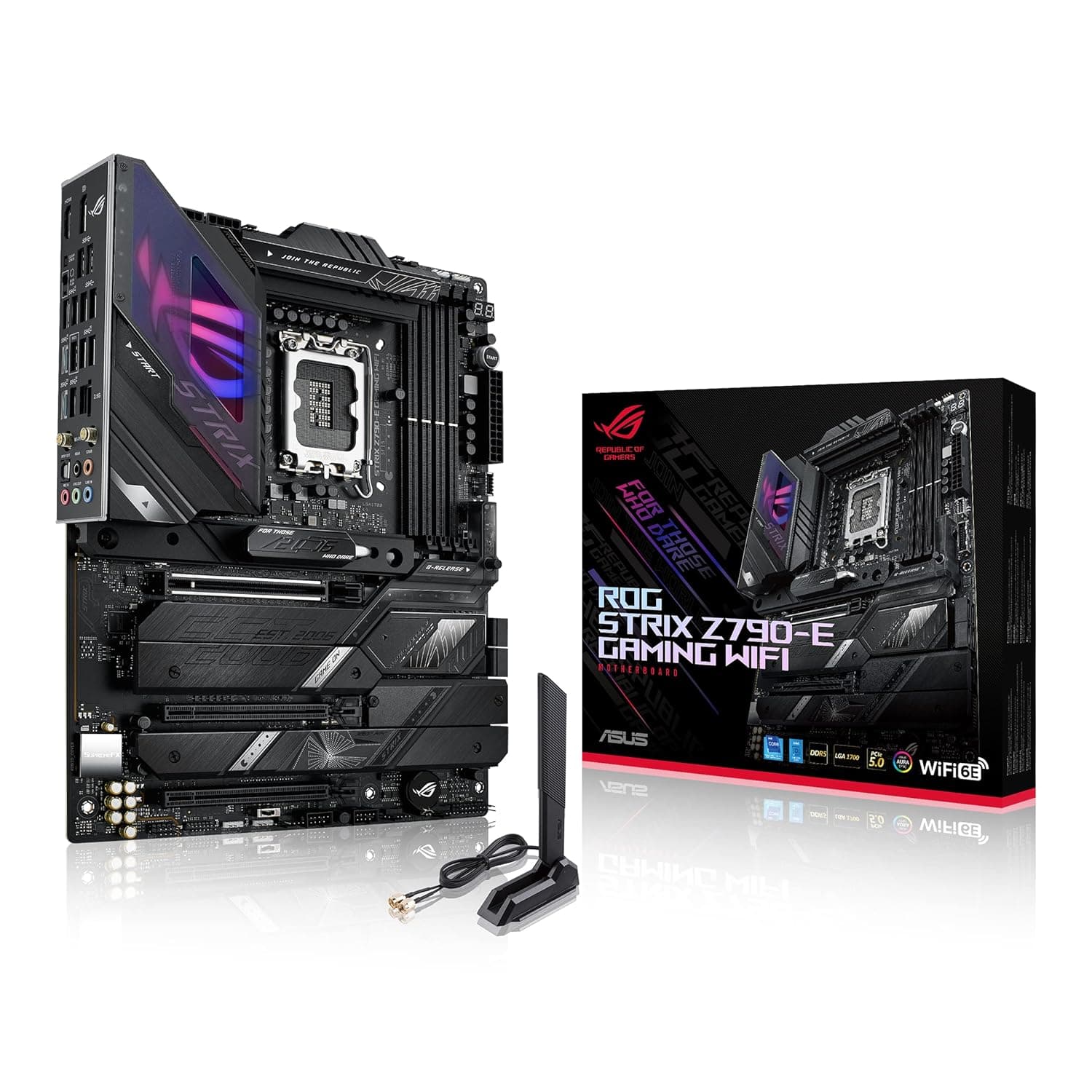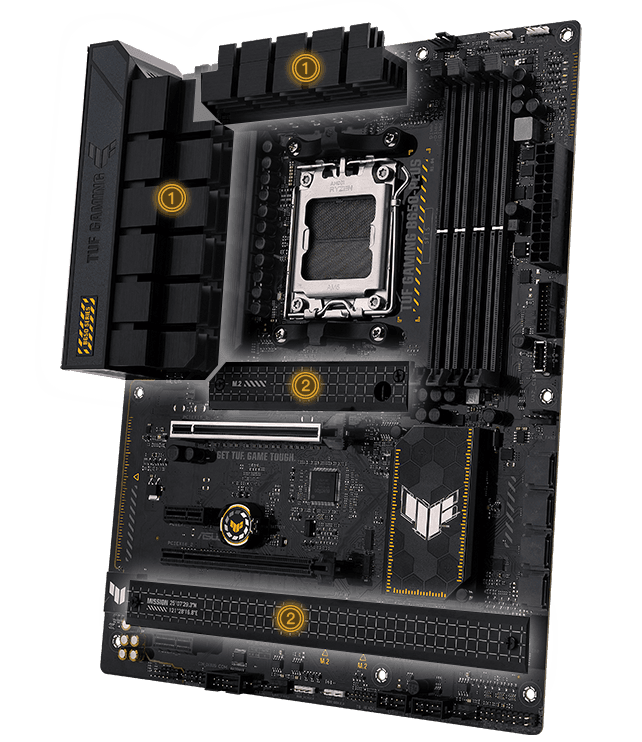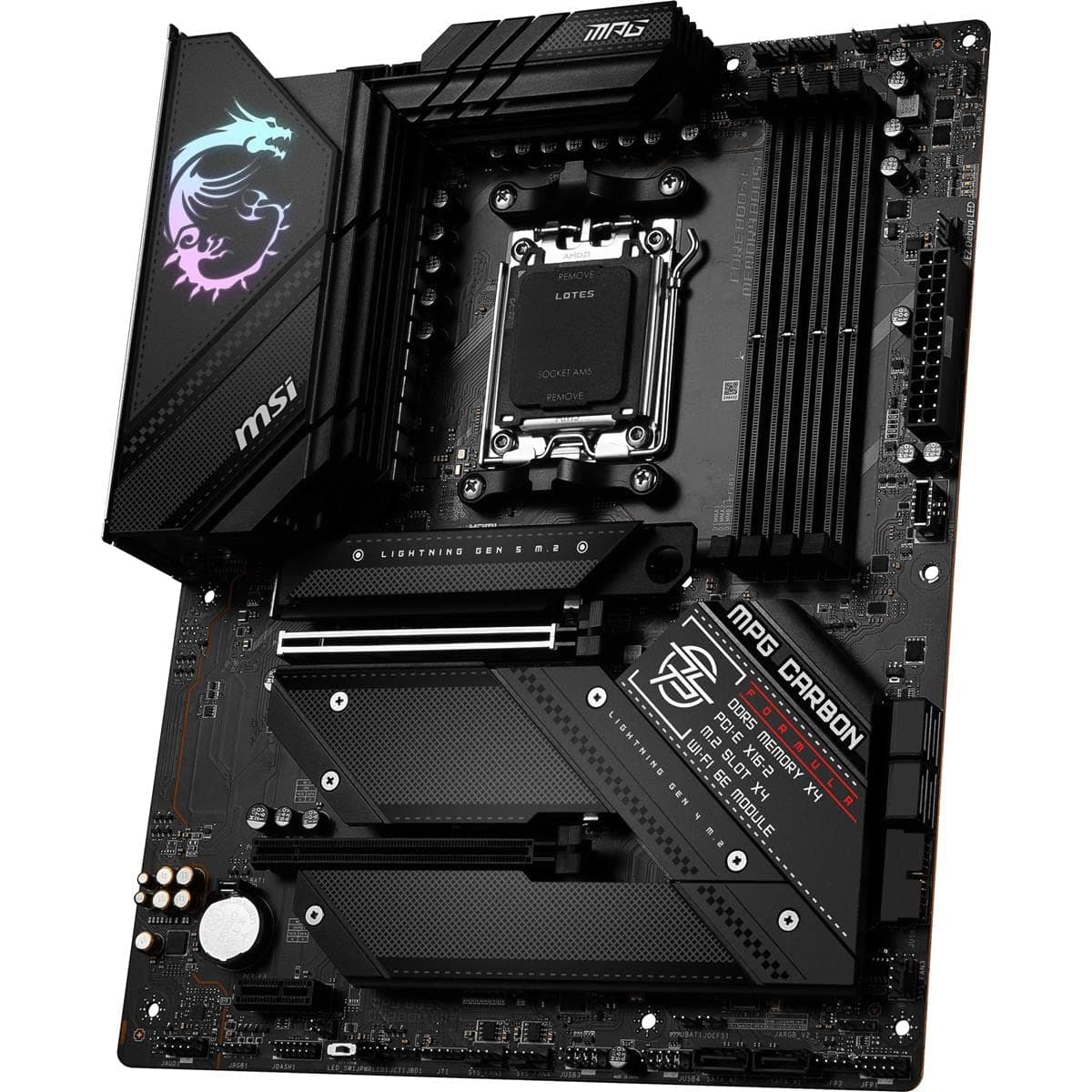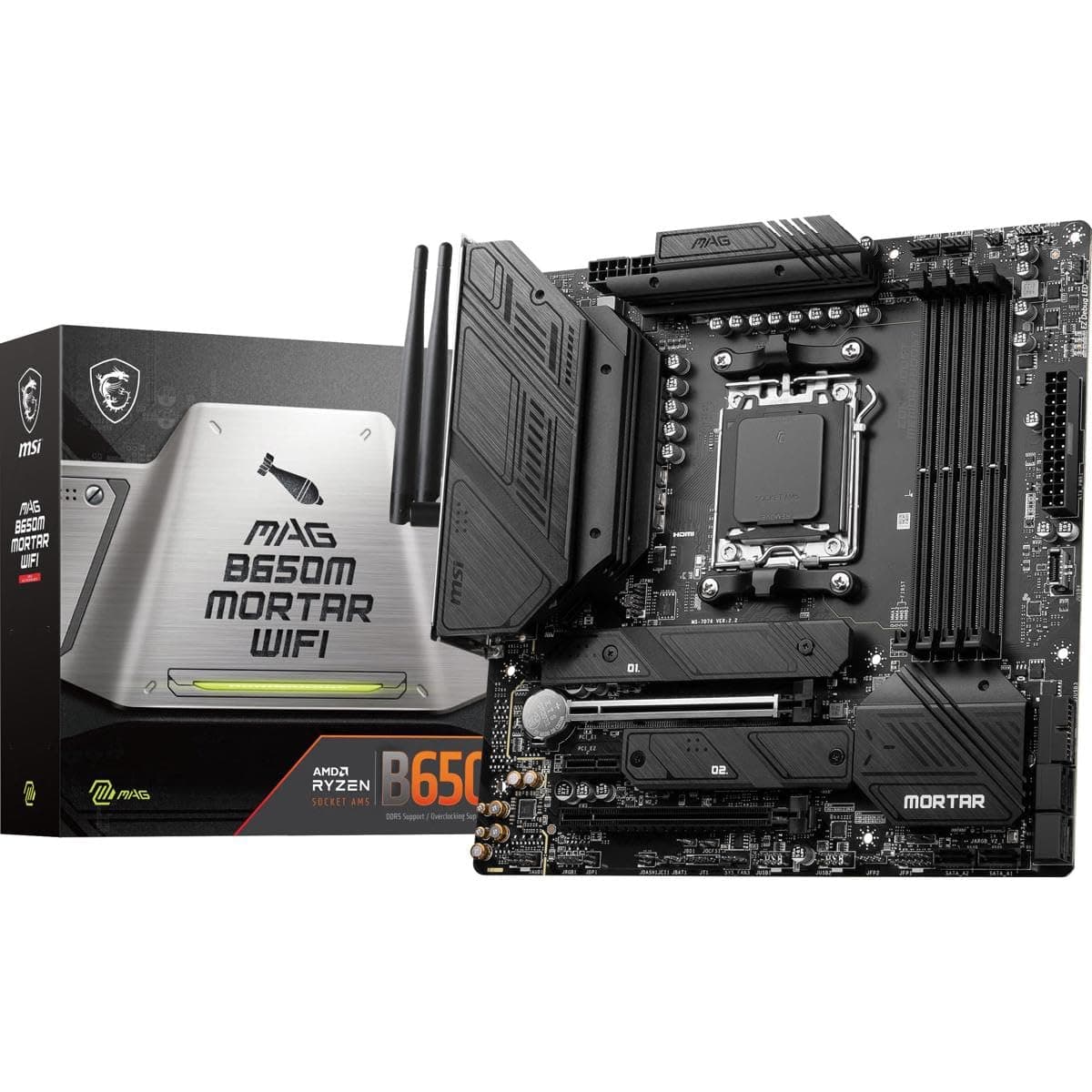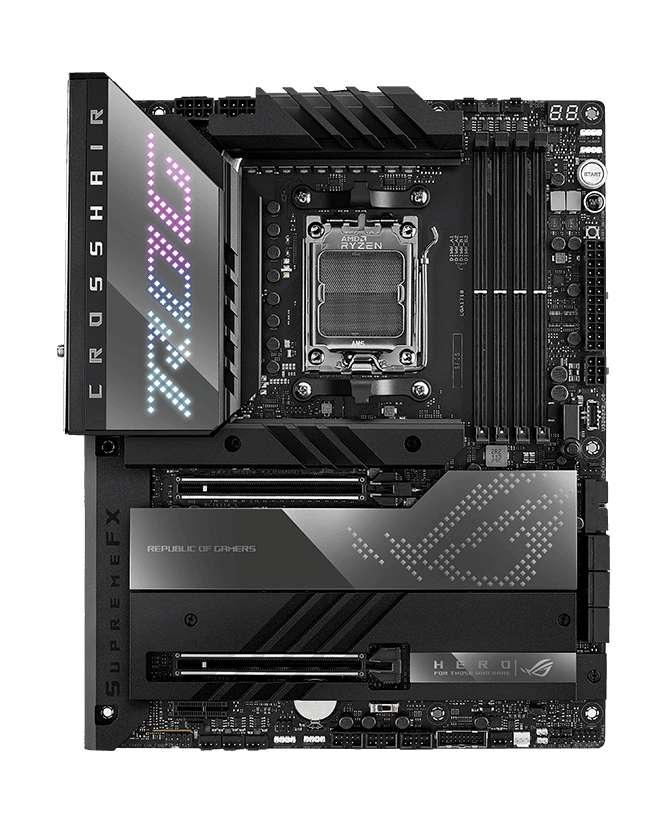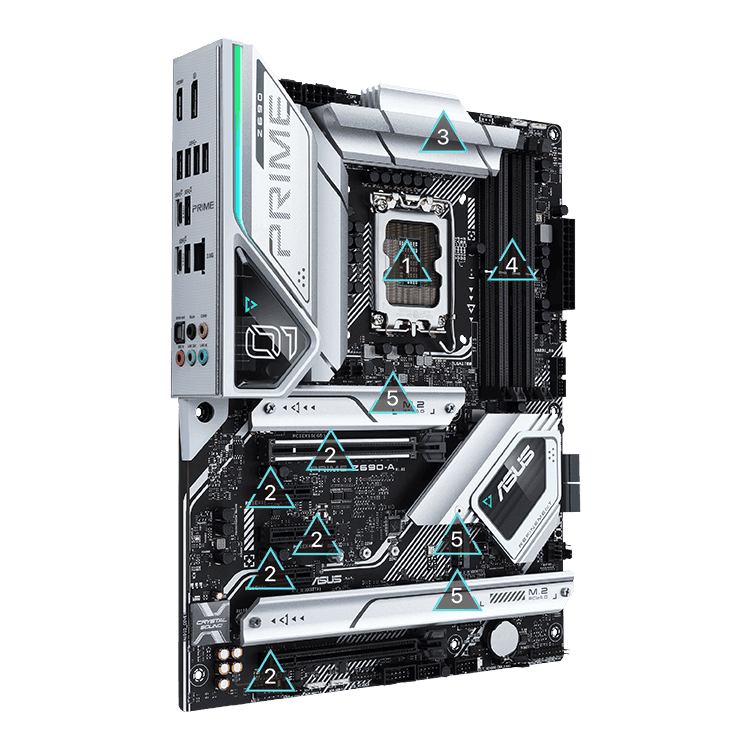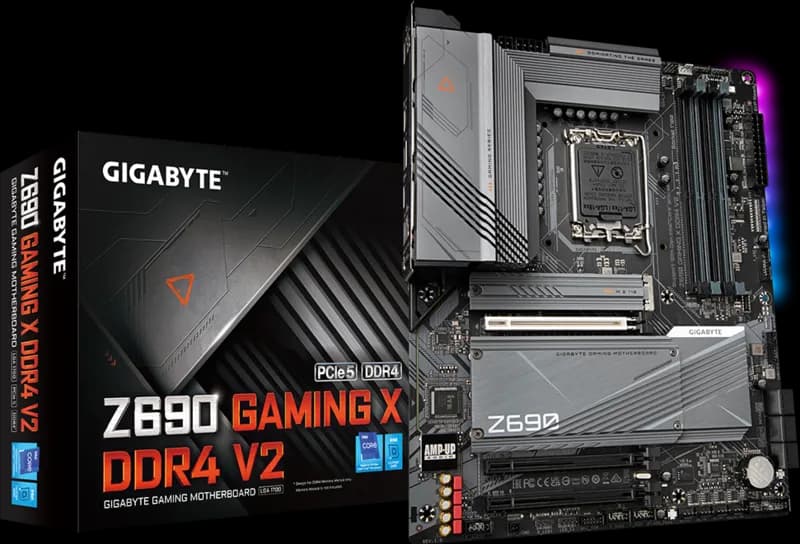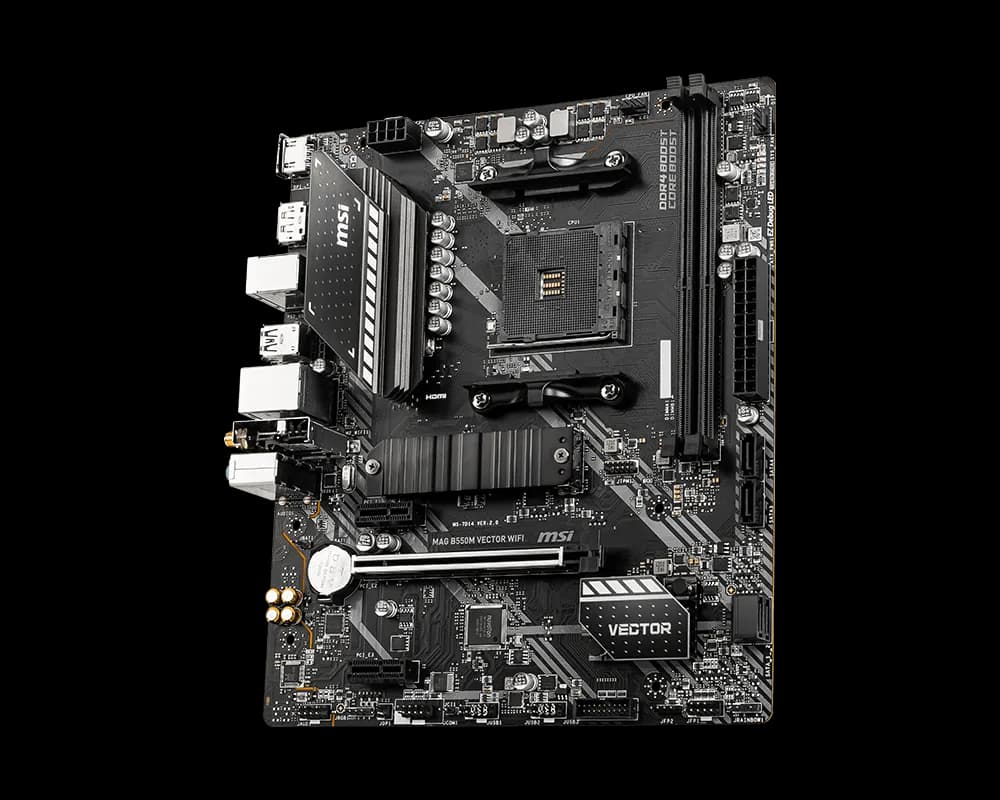

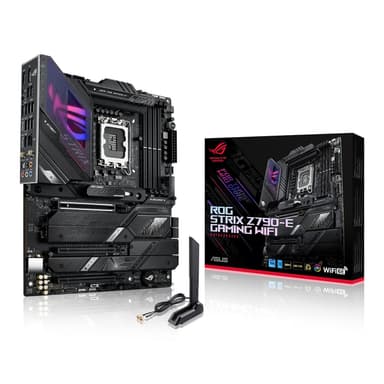
ASUS ROG Strix Z790-E Gaming WiFi
Uncompromised gaming performance with Intel 13th/14th Gen, DDR5, PCIe 5.0, and AI overclocking
Overview
How It Works
1. Power Delivery – The 18+1 VRM
The 18+1 teamed power stages take 12V from your power supply and convert it into the ultra‑stable, low voltages your CPU needs. Each DrMOS stage handles up to 90 amperes – even an overclocked Intel Core i9 never starves for power.
2. CPU & Chipset Communication
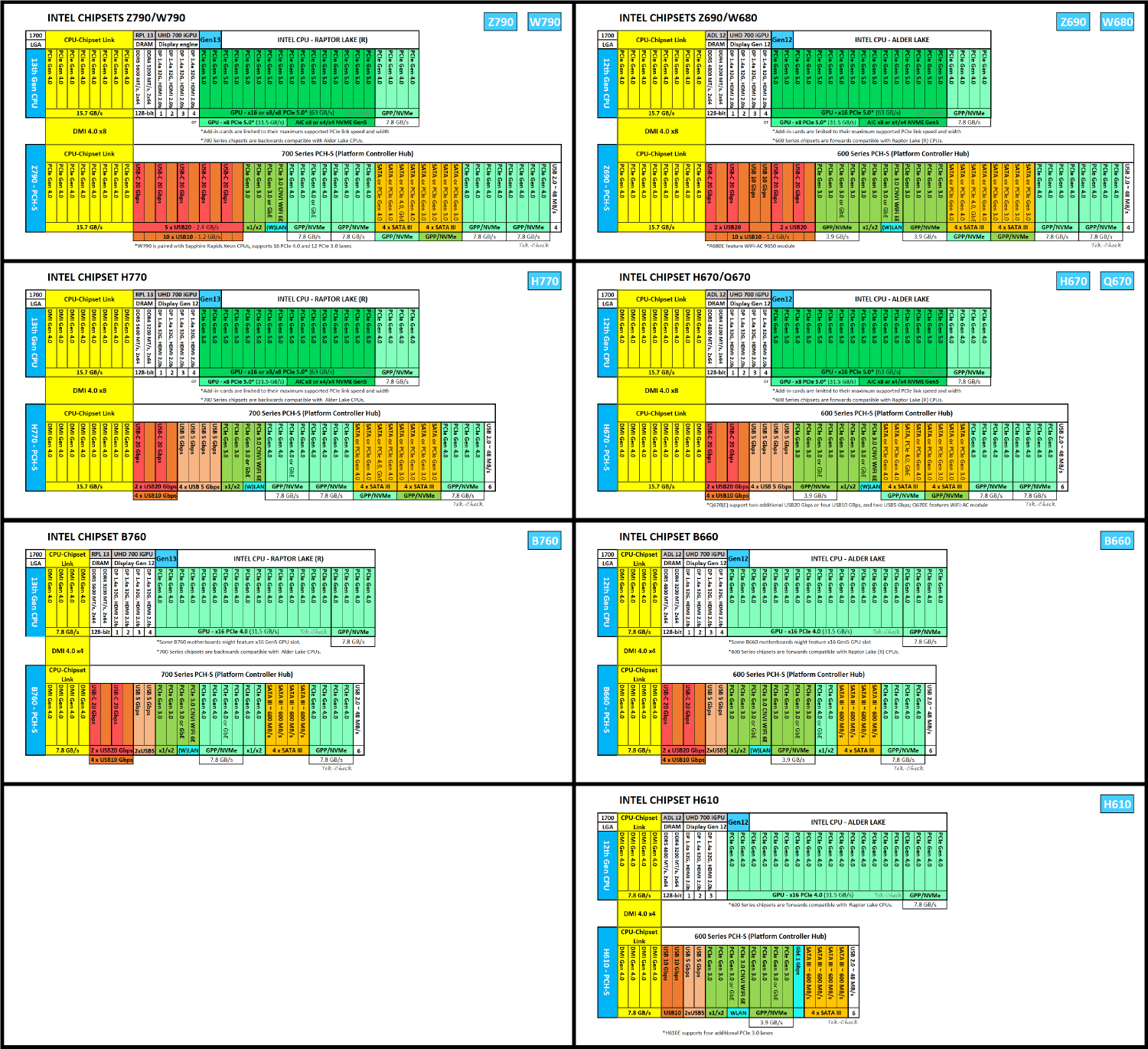
The LGA1700 socket and Intel Z790 chipset work together like a traffic controller. The CPU directly talks to the primary PCIe 5.0 x16 slot and the fastest M.2 slots, while the chipset manages additional lanes, USB ports, SATA drives, and networking – ensuring zero bottlenecks.
3. Memory – DDR5 Unleashed
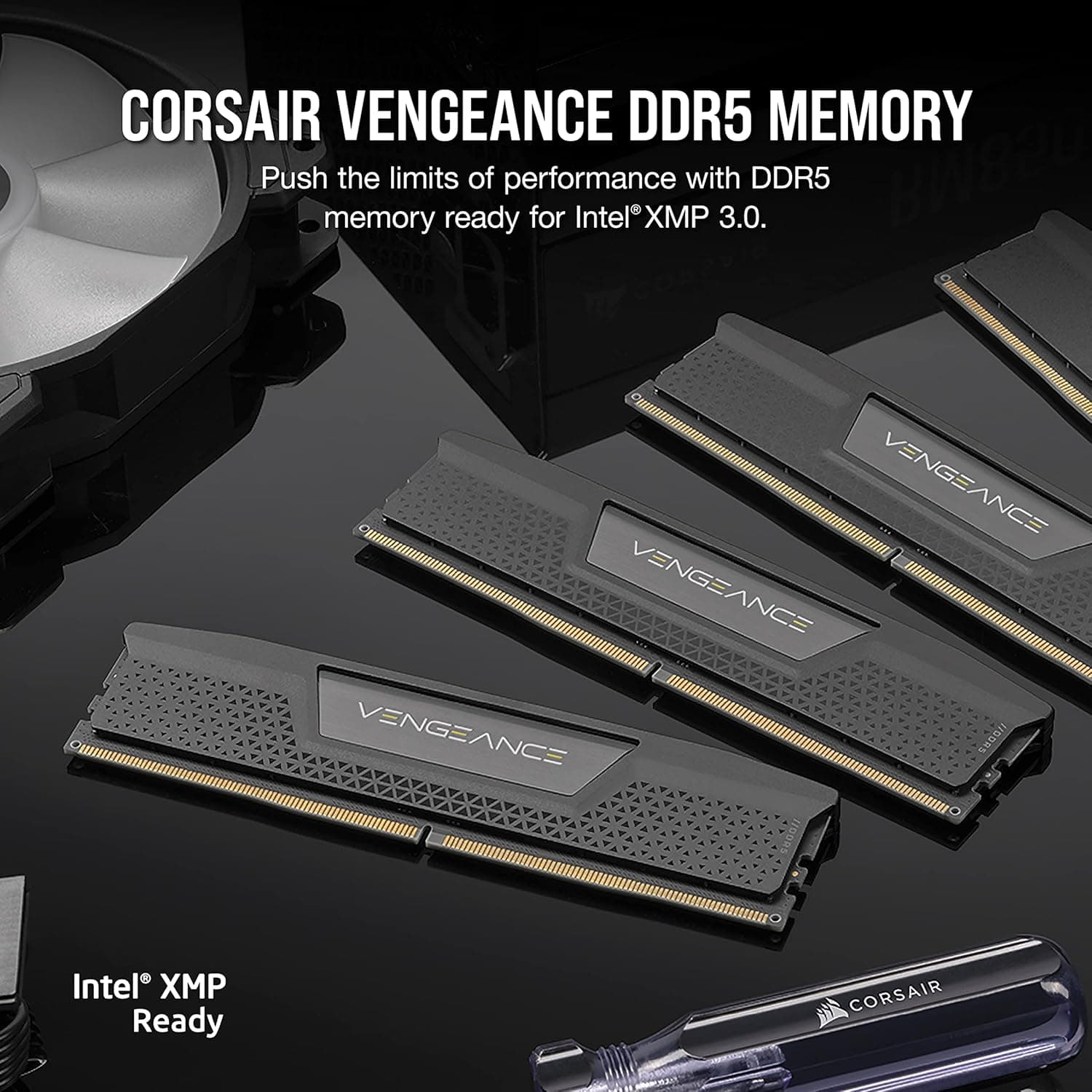
Four DDR5 DIMM slots use ASUS OptiMem III routing to reduce signal noise. This lets you push memory speeds beyond 7800 MHz (OC). Enable XMP 3.0 or EXPO, and the board automatically configures timings for peak performance.
4. Expansion – PCIe 5.0 & M.2
The primary PCIe 5.0 x16 slot doubles bandwidth for next‑gen GPUs. Two M.2 slots connect directly to the CPU (one PCIe 5.0, one PCIe 4.0) for the lowest latency storage – perfect for a Gen5 SSD. Two more chipset‑connected slots handle additional NVMe drives.
5. Networking – WiFi 6E & 2.5 GbE
The onboard Intel WiFi 6E module accesses the new 6 GHz band for less interference, while the 2.5 Gb Ethernet port provides a stable wired connection. AI Networking automatically prioritises gaming traffic, so your ping stays low.
6. Audio – SupremeFX & ESS Sabre
The ROG SupremeFX ALC4080 codec and ESS Sabre 9260Q DAC process audio at 32‑bit/384 kHz. Impedance sensing adapts to your headphones, and Two‑Way AI Noise Cancelation removes background noise from your mic and teammates.
7. BIOS & Control
The UEFI BIOS offers an EZ Mode for quick setup and an Advanced Mode for tweaking every parameter – overclocking, fan curves, and more. AI Overclocking even profiles your CPU and cooling to suggest the optimal tune automatically.
Key Features
18+1 Teamed Power Stages (90A)
A monstrous VRM with 18 power stages for the CPU cores and one for the system agent, each rated at 90 amperes. High‑quality alloy chokes and durable capacitors ensure clean power delivery, even when overclocking a Core i9 to its absolute limit.
DDR5 Dominance
Four DIMM slots support up to 192 GB of DDR5 memory. With ASUS OptiMem III layout and extensive QVL, you can push RAM speeds beyond 7800 MHz (OC). Supports both XMP 3.0 and EXPO profiles for easy tuning.
PCIe 5.0 Ready
The primary PCIe x16 slot and one onboard M.2 slot are both PCIe 5.0 compliant, doubling the bandwidth of PCIe 4.0. Perfect for next‑gen GPUs and ultra‑fast NVMe SSDs. Additional slots include PCIe 4.0 and 3.0.
AI Overclocking & Cooling
AI Overclocking automatically profiles your CPU and cooling to suggest optimal tuning parameters. AI Cooling II adjusts fan curves based on system load and temperature, reducing noise while keeping components cool. Both require no manual tweaking.
Polymo Lighting & Aura Sync
The I/O cover features a distinctive Polymo design that diffuses RGB lighting in a unique pattern. The board has multiple Aura Sync RGB headers, including addressable Gen 2 headers, to synchronise lighting across your entire build.
Thunderbolt 4 / USB4
A Thunderbolt 4 port on the rear I/O provides up to 40 Gbps data transfers, dual 4K display output, and daisy‑chaining capabilities. It’s also USB4 compliant for universal compatibility.
SupremeFX Audio
The ROG SupremeFX ALC4080 codec combined with an ESS Sabre 9260Q DAC delivers pristine 32‑bit/384 kHz audio. Impedance sensing and premium Nichicon capacitors ensure front‑panel output is equally impressive. Includes DTS Sound Unbound and Sonic Studio III.
Comprehensive Cooling
Massive VRM heatsinks with a heatpipe, a thick M.2 heatsink with a backplate, multiple fan headers (including high‑amp), and dedicated water‑cooling zones keep temperatures in check during marathon gaming sessions.
Networking Supremacy
Intel WiFi 6E (802.11ax) with 2x2 MU‑MIMO and Bluetooth 5.3, plus a 2.5 Gb Ethernet port for wired connectivity. ASUS LANGuard protects against surges, and AI Networking prioritises gaming traffic.
DIY‑Friendly Innovations
Features like the PCIe Slot Q‑Release (a button to easily unlock the GPU), M.2 Q‑Latch (tool‑less SSD installation), pre‑mounted I/O shield, and onboard power/reset buttons make building and troubleshooting a breeze.

VRM & Power Delivery: The Heart of Stability
How 18+1 power stages keep your CPU fed under extreme loads
18+1 Teamed Power Stages
The CPU power is delivered through 18 DrMOS power stages, each integrating a high‑side and low‑side MOSFET plus a driver. Teamed with one additional stage for the VCCSA (system agent), each stage can handle up to 90A continuously. This results in a total capacity of over 1600A, far more than any consumer CPU demands, ensuring the VRM never breaks a sweat.
Alloy Chokes & Durable Capacitors
ASUS uses premium alloy chokes that reduce buzzing under load and improve efficiency. The capacitors are rated for 10,000 hours at 105°C, guaranteeing longevity even in poorly ventilated cases.
8+8-Pin ProCool II Power Connectors
Two reinforced 8‑pin EPS connectors supply 12V to the CPU. The solid pins and metal‑reinforced housing ensure a secure connection and lower impedance, reducing the risk of overheating at the connector under extreme overclocking.
VRM Heatsinks & Heatpipe
Two massive aluminium heatsinks connected by a flattened heatpipe cover the MOSFETs and chokes. A high‑quality thermal pad efficiently transfers heat, keeping VRM temperatures well within safe limits even when an i9‑14900K is pushed past 300W.
Digi+ Power Control
The Digi+ VRM controller offers fine‑grained adjustment of load‑line calibration, switching frequency, and phase control. Enthusiasts can customise power delivery to squeeze every last MHz out of their chip.

Memory Overclocking: DDR5 Unleashed
Break the 7800 MHz barrier with OptiMem III
OptiMem III Trace Layout
ASUS employs a daisy‑chain topology with optimised trace lengths and impedance matching to reduce signal reflections. This allows DDR5 modules to run at much higher frequencies while maintaining stability.
Wide QVL & Auto‑Detection
The board has an extensive Qualified Vendor List for memory kits up to 7800+ MHz. Simply enable XMP 3.0 or AMD EXPO in the BIOS, and the board automatically configures the correct timings, voltage, and frequency.
Massive Capacity
Four DIMM slots support up to 192 GB (4x 48 GB) of dual‑channel DDR5 memory. This is ideal for content creators and virtualisation enthusiasts who need enormous RAM pools.
Memory Stress Testing
The UEFI includes MemTest86 integration. Before booting into Windows, you can run a complete memory diagnostic directly from the BIOS to verify overclock stability.

PCIe 5.0: Future‑Proof Expansion
Unlock next‑gen GPU and SSD performance
PCIe 5.0 x16 Slot
The top PCIe slot (SafeSlot) is reinforced with metal and supports PCIe 5.0 x16 mode. It doubles the per‑lane bandwidth to 32 GT/s, ready for the next generation of graphics cards. Backward compatible with PCIe 4.0 and 3.0 devices.
PCIe 5.0 M.2 Slot
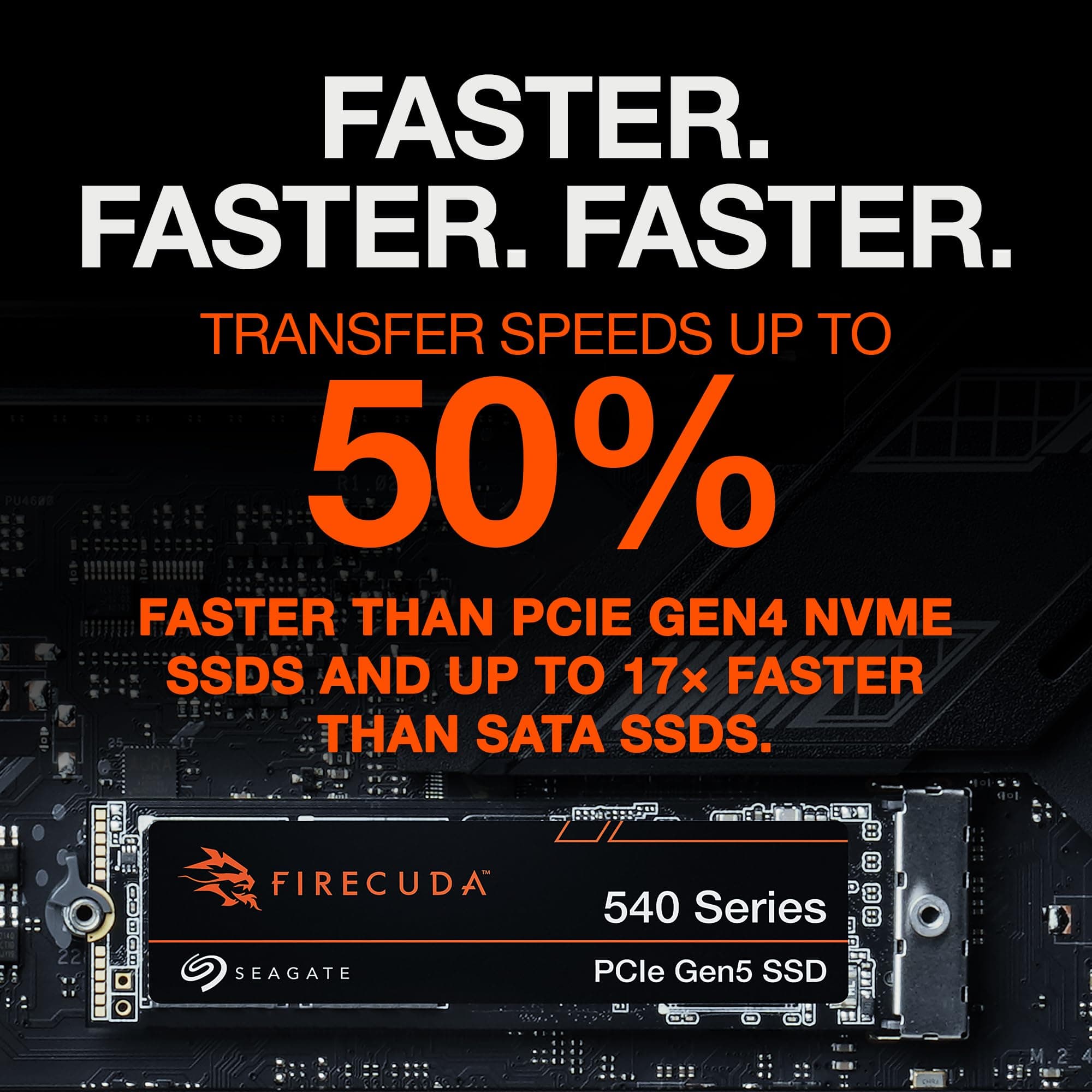
One onboard M.2 slot (Hyper M.2_1) connects via PCIe 5.0 x4 to the CPU, offering up to 16 GB/s theoretical speed. Paired with a Gen5 SSD, you can load massive game files and 8K video projects instantly.
Additional Slots & Lanes
The board also features a second x16 slot (PCIe 4.0 x4 electrically), a PCIe 3.0 x1 slot, and three more M.2 sockets (PCIe 4.0) routed through the chipset. SATA ports are still present for legacy drives.

AI Overclocking & Cooling II: Intelligent Automation
Let the motherboard tune itself for maximum performance
AI Overclocking
This feature uses a proprietary algorithm to test your CPU’s silicon quality and cooling capability, then automatically applies a safe overclock. It’s perfect for beginners who want extra performance without risking instability.
AI Cooling II
AI Cooling II monitors CPU and GPU temperatures in real time and adjusts fan speeds based on a target temperature curve. It can reduce fan noise during light tasks and ramp up cooling when gaming, all without manual fan curve tweaking.
Dynamic Prediction
The AI engine considers not only current load but also predicts upcoming thermal changes based on activity patterns, resulting in smoother fan transitions and a quieter overall experience.

SupremeFX Audio: Studio‑Quality Sound
Immersive gaming audio and crystal‑clear communication
ALC4080 Codec & ESS Sabre DAC
The Realtek ALC4080 USB audio codec delivers a high signal‑to‑noise ratio and 32‑bit/384 kHz playback. Paired with an ESS Sabre 9260Q DAC, output is pristine – you’ll hear footsteps and environmental cues with pinpoint accuracy.
Impedance Sensing & Premium Caps
The front‑panel output automatically detects headphone impedance and adjusts output accordingly. High‑quality Nichicon capacitors filter the audio signal, eliminating background hiss.
Two‑Way AI Noise Cancelation
This software processes both your microphone input and the incoming audio from teammates, removing background noise (keyboard clicks, fan hum) in real time. Works with any 3.5 mm headset.
DTS Sound Unbound & Sonic Studio
DTS Sound Unbound provides virtual surround sound for headphones, enhancing spatial awareness in games. Sonic Studio III lets you customise EQ, apply effects, and route audio streams easily.

Connectivity: Everything You Need, Future‑Proof
WiFi 6E, Thunderbolt 4, 2.5 GbE – the ultimate back panel
Intel WiFi 6E & Bluetooth 5.3
The onboard WiFi 6E module accesses the new 6 GHz band for less interference and lower latency. Bluetooth 5.3 provides a reliable connection for game controllers, headphones, and peripherals.
Thunderbolt 4 (USB4)
A single Thunderbolt 4 port delivers 40 Gbps bandwidth. Connect an external GPU, a high‑resolution monitor, or a fast storage array. It also supports USB Power Delivery and daisy‑chaining multiple devices.
2.5 Gb Ethernet
The Intel I225‑V controller offers 2.5 Gbps wired networking for high‑speed file transfers and lag‑free online gaming. ASUS LANGuard provides surge protection and enhanced signal quality.
Massive USB Array
Rear I/O includes a USB 3.2 Gen 2x2 Type‑C (20 Gbps), multiple USB 3.2 Gen 2 Type‑A ports (10 Gbps), and USB 2.0 ports for peripherals. Front panel headers supply additional USB 3.2 Gen 2 Type‑C and Type‑A.
✓ Pros
- ✓Extremely robust 18+1 power delivery with 90A stages – overclocks any 13th/14th Gen CPU effortlessly
- ✓Full PCIe 5.0 support for both GPU and M.2 SSD ensures future upgradability
- ✓DDR5 memory speeds up to 7800+ MHz (OC) with OptiMem III for superior performance
- ✓Thunderbolt 4 / USB4 port plus a massive USB selection for maximum peripheral connectivity
- ✓Intel WiFi 6E and 2.5 Gb Ethernet provide top‑tier wireless and wired networking
- ✓AI Overclocking and AI Cooling II automate performance tuning and noise reduction
- ✓SupremeFX audio with ESS Sabre DAC delivers exceptional sound quality for gaming and media
- ✓Q‑Release button for the GPU slot, tool‑less M.2 latch, and pre‑mounted I/O shield simplify building
- ✓Stunning Polymo RGB lighting with extensive Aura Sync support for a cohesive build aesthetic
- ✓Comprehensive cooling solutions with huge heatsinks, heatpipe, and high‑amp fan headers
✗ Cons
- ✗Price premium – it’s an expensive board best suited for enthusiasts with a corresponding budget
- ✗No 10 Gb Ethernet onboard (only 2.5 GbE) – would have been welcome at this price
- ✗DDR5 only; cannot use older DDR4 memory, requiring a new RAM kit for upgraders
- ✗The Polymo lighting on the I/O cover cannot be fully customised beyond the default pattern
- ✗LGA1700 socket likely at end of life after Intel’s 14th Gen, limiting future CPU upgrades without a new board
- ✗Second PCIe x16 slot runs at x4, limiting multi‑GPU or high‑speed add‑in card configurations
Use Cases
Technical Specifications
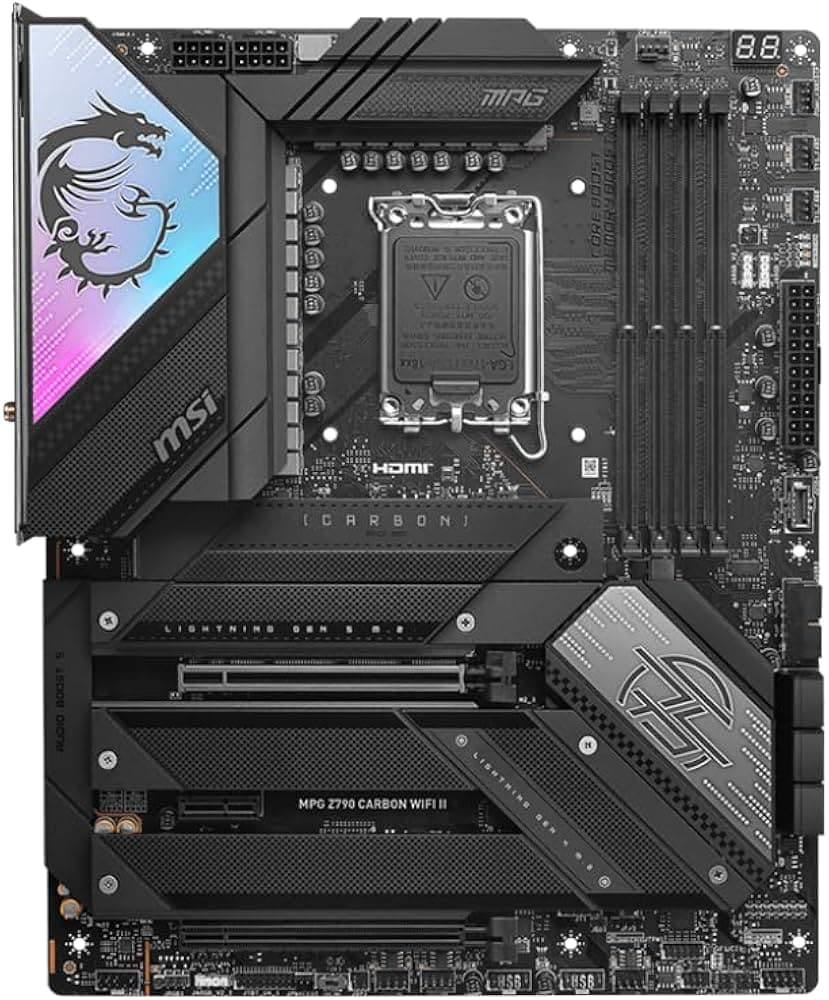
ROG Strix Z790-E vs ROG Strix Z790-F vs MSI MPG Z790 Carbon WiFi
| Feature | ROG Strix Z790-E | ROG Strix Z790-F | MSI MPG Z790 Carbon |
|---|---|---|---|
| Power Stages | 18+1 (90A) | 16+1 (90A) | 19+1+1 (105A) |
| DDR5 Max OC | 7800+ MHz | 7800+ MHz | 7600+ MHz |
| PCIe 5.0 x16 | Yes | Yes | Yes |
| PCIe 5.0 M.2 | Yes | No (PCIe 4.0 only) | Yes |
| Thunderbolt 4 | Yes | No | No |
| WiFi | WiFi 6E | WiFi 6E | WiFi 6E |
| Ethernet | 2.5 GbE | 2.5 GbE | 2.5 GbE |
| Audio Codec | ALC4080 + ESS DAC | ALC4080 + ESS DAC | ALC4080 |
| M.2 Heatsinks | All slots (with backplates) | Primary slot only | All slots |
Setup Tips
Update BIOS Before Installing CPU
Use USB BIOS Flashback to update the BIOS even without a CPU. Download the latest BIOS from ASUS, rename it, place it on a FAT32 USB drive, insert it into the marked port, and press the Flashback button. This ensures compatibility with the latest 14th Gen CPUs.
Enable XMP/EXPO for Full DDR5 Speed
Enter the BIOS (press Del during boot), switch to EZ Mode, and enable XMP 3.0 or EXPO to run your memory at its rated speed. Without this, DDR5 defaults to 4800 MHz, leaving performance on the table.
Install M.2 SSDs with Q‑Latch
The M.2 slots use a tool‑less Q‑Latch mechanism. Simply rotate the plastic latch, insert the drive, and rotate it back to lock. No tiny screws required. Use the bundled thermal pad on the primary slot for maximum cooling.
Optimise Fan Curves with AI Cooling II
In Armoury Crate, activate AI Cooling II. It will automatically adjust fan speeds after analysing your system’s thermal response. You can still manually tweak individual fans if desired.
Connect Thunderbolt 4 Correctly
The Thunderbolt 4 port on the rear I/O is also a USB4 port. For video output, you may need a DisplayPort cable from your GPU to the DP IN connector on the motherboard (if present) or rely on CPU integrated graphics.
Frequently Asked Questions
Key Takeaway
ATX powerhouse for Intel 12th‑14th Gen. 18+1 teamed 90 A power stages, DDR5 up to 7800+ MHz (OC), PCIe 5.0 x16 and M.2, Thunderbolt 4 / USB4, Intel WiFi 6E + 2.5 GbE, SupremeFX ALC4080 + ESS Sabre DAC, AI Overclocking & Cooling II, Polymo RGB, and Q‑Release. Built for extreme overclocking and premium gaming builds.