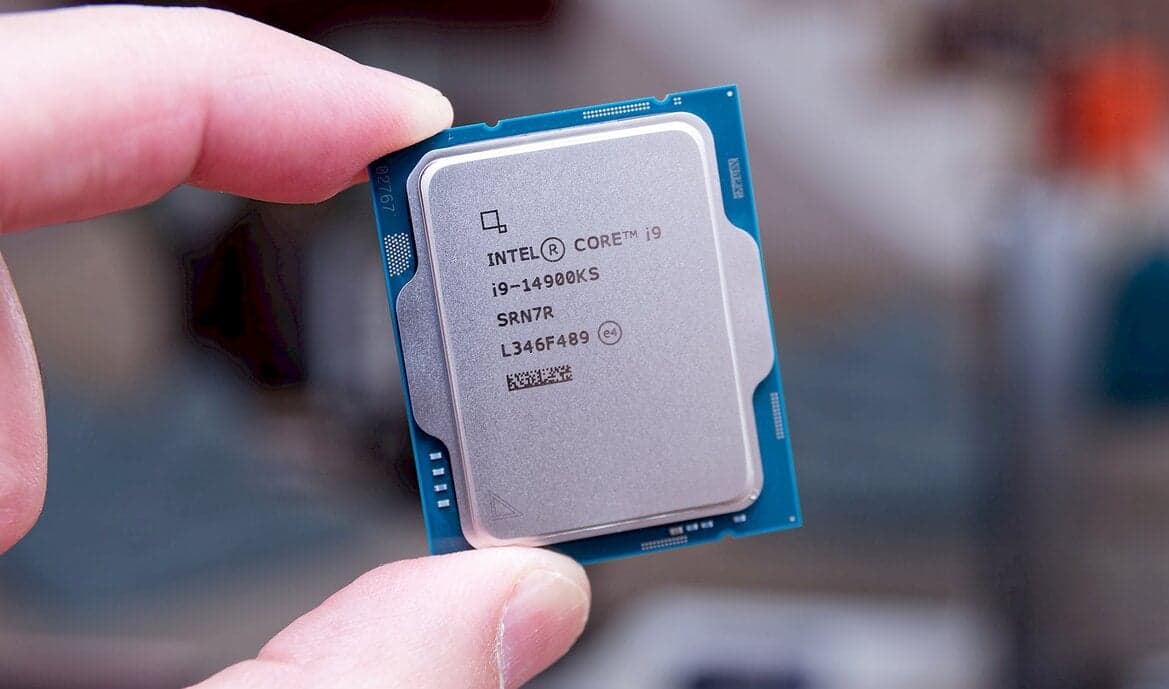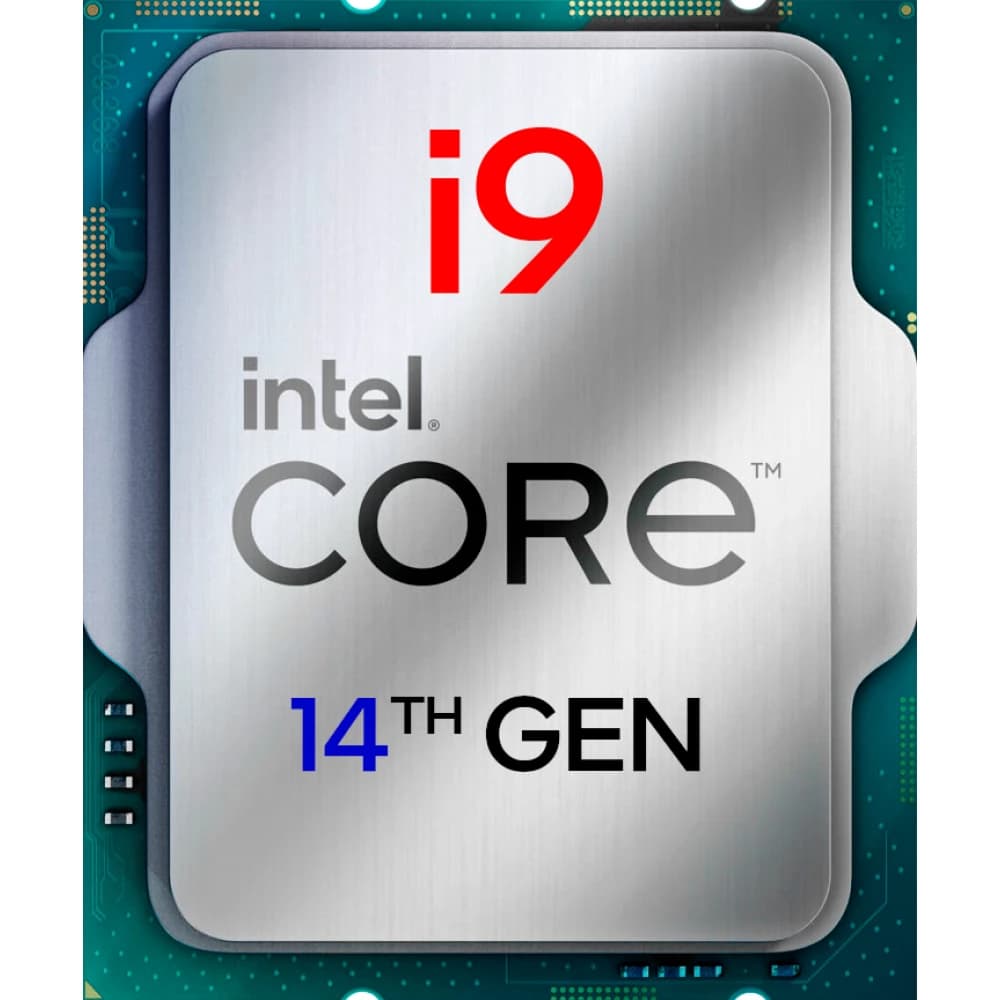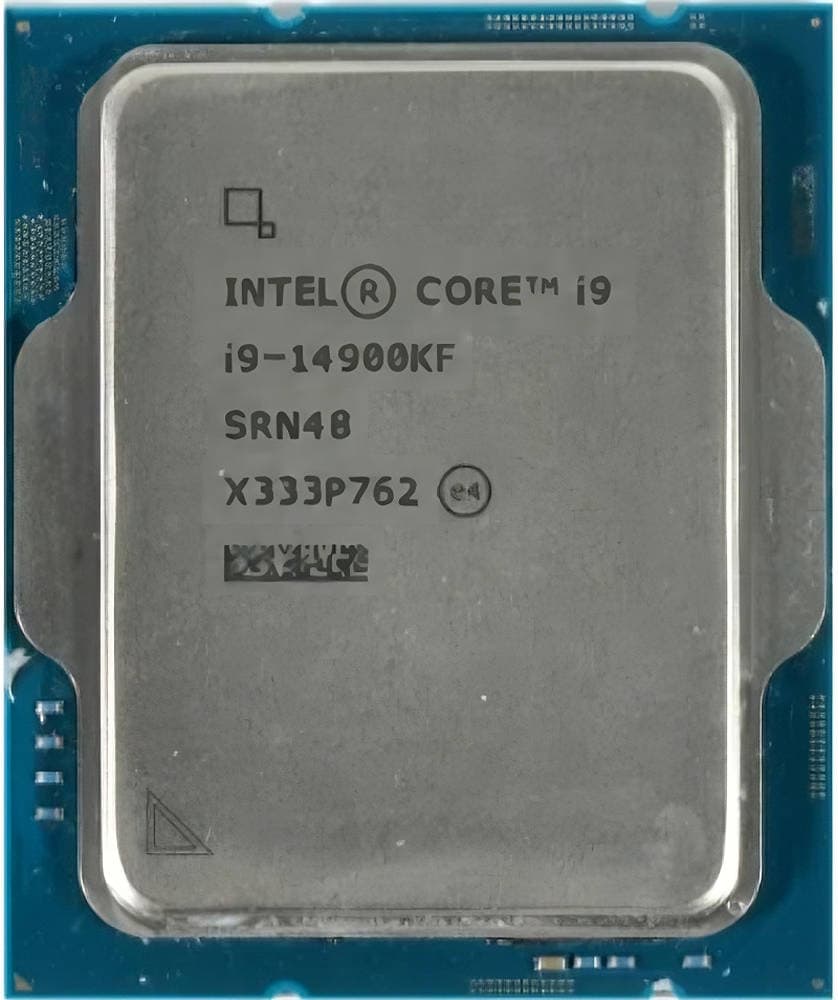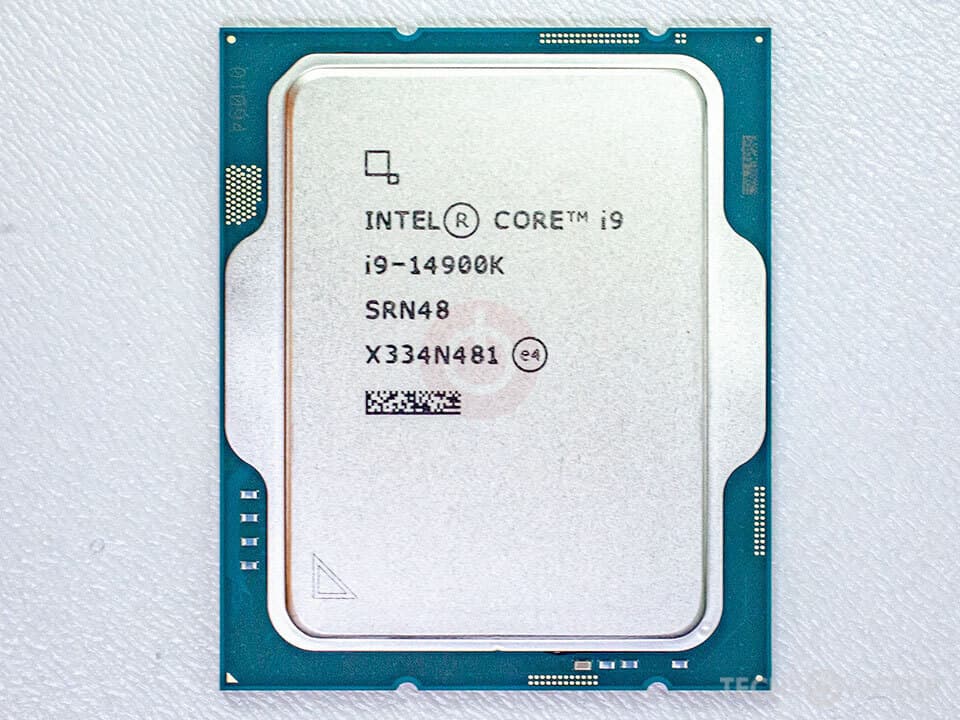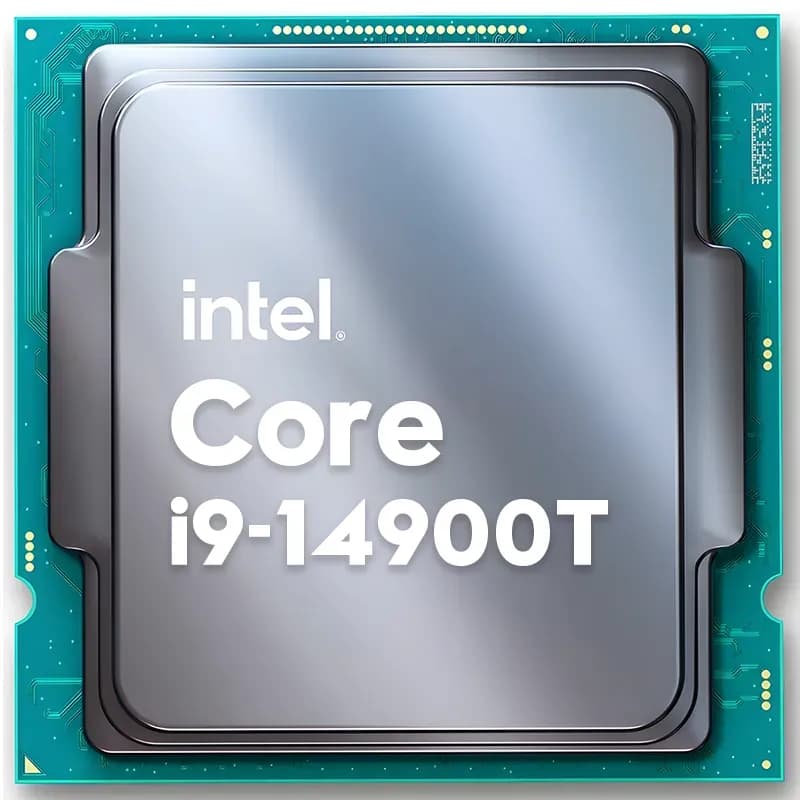

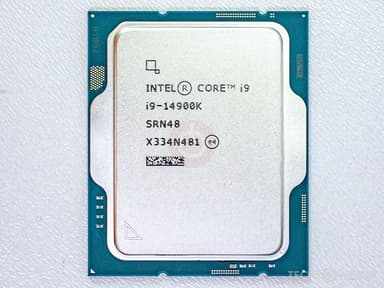
Intel Core i9-14900K 24‑Core LGA1700 Processor
The world’s fastest desktop processor – blistering single‑thread performance and 24 cores for gaming, streaming, and creation
Key Highlights
- 24 cores (8P + 16E) / 32 threads – ultimate gaming and multitasking
- 6.0 GHz max turbo – world’s fastest single‑thread desktop CPU
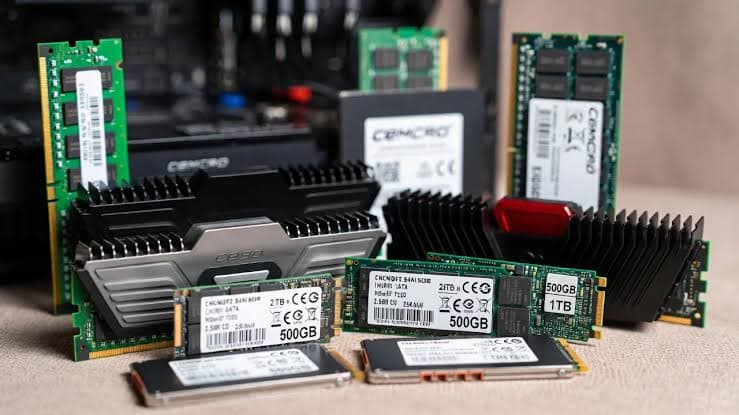
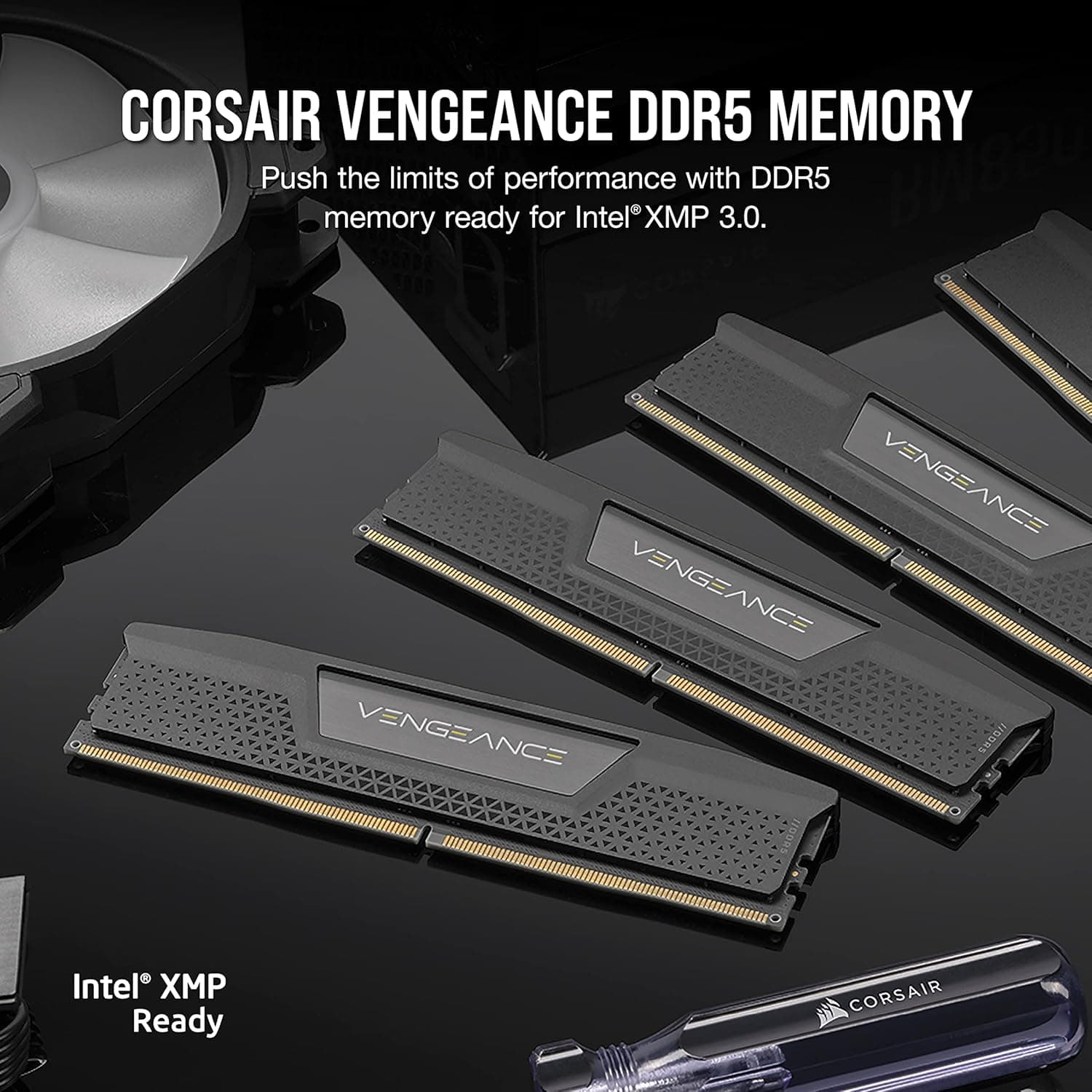
- Supports both DDR5 and DDR4 memory for flexibility
- 20 PCIe lanes (16x Gen5 + 4x Gen4) for cutting‑edge GPUs and SSDs
- Unlocked multiplier for overclocking, with Intel XTU support
Overview
How It Works
The i9-14900K combines 8 P‑cores and 16 E‑cores with an intelligent thread director to deliver unmatched performance. Here’s how the technology works:
Hybrid Architecture
P‑cores handle latency‑sensitive tasks like gaming at up to 6.0 GHz. E‑cores soak up background and multi‑threaded work. Together, 24 cores tackle any workload.
Intel Thread Director
Built into the silicon, Thread Director monitors every core’s load and guides the OS scheduler to place threads on the most appropriate core – P for speed, E for efficiency.
Thermal Velocity Boost
When the processor is below a certain temperature and power budget, it automatically increases clock speeds beyond the standard turbo, up to 6.0 GHz.
Smart Cache & Memory
36 MB of shared L3 cache reduces trips to RAM. The integrated memory controller supports both DDR5 and DDR4, giving users flexibility.
PCIe 5.0 & Connectivity
16 PCIe 5.0 lanes for a next‑gen GPU and 4 additional lanes for a blazing‑fast PCIe 4.0 SSD. Thunderbolt 4 and Wi‑Fi 7 are supported via chipset.
Key Features
24 Cores, 32 Threads
8 P‑cores (up to 6.0 GHz) + 16 E‑cores (up to 4.4 GHz). The highest core count in a consumer desktop chip, perfect for streaming, editing, and gaming simultaneously.
6.0 GHz Max Turbo
Intel’s Thermal Velocity Boost pushes the fastest P‑core to 6.0 GHz, delivering class‑leading single‑thread performance for games and lightly‑threaded apps.
DDR5 & DDR4 Support
Compatible with both memory standards. Use cutting‑edge DDR5‑5600 or cost‑effective DDR4‑3200, depending on your budget and motherboard.
PCIe 5.0 & PCIe 4.0
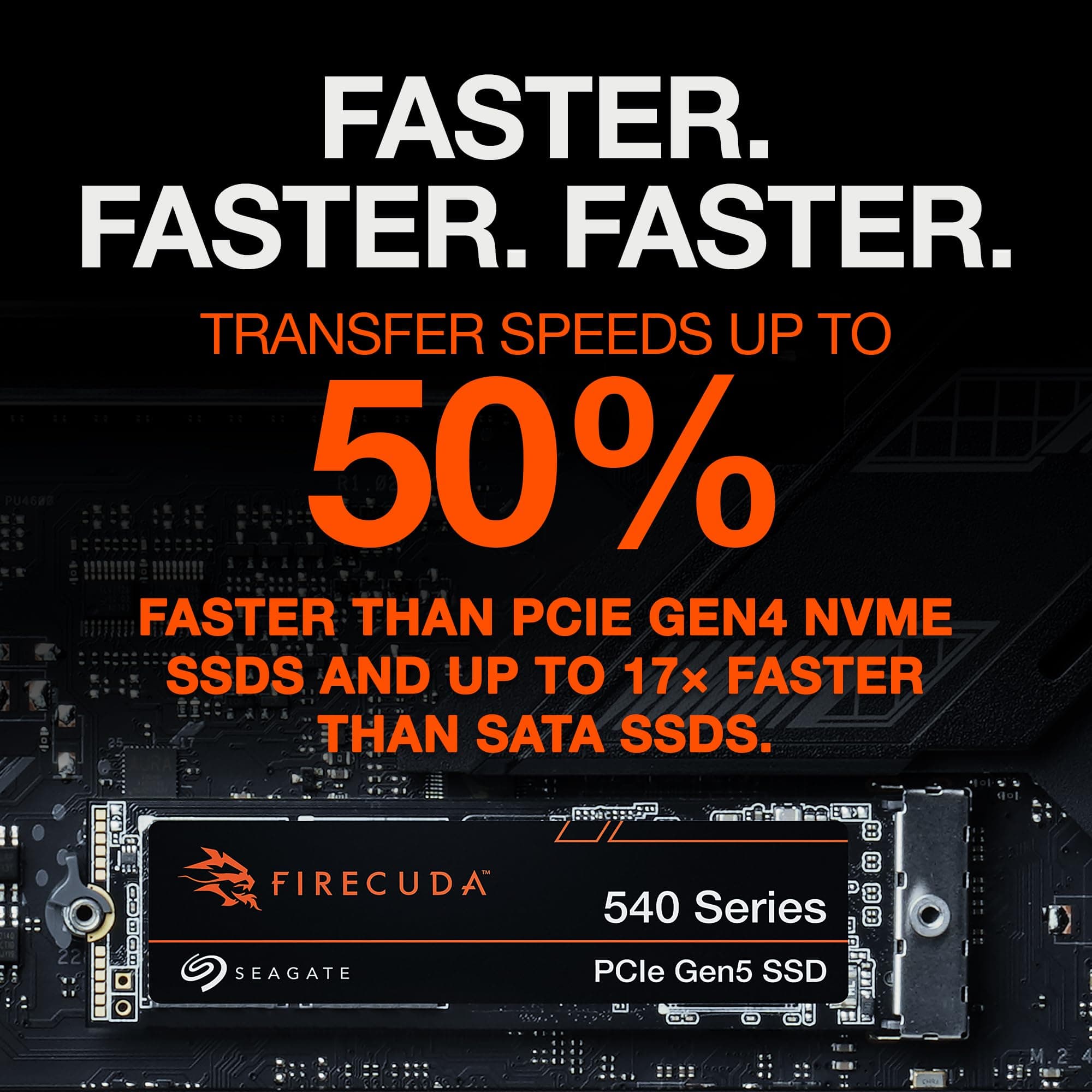
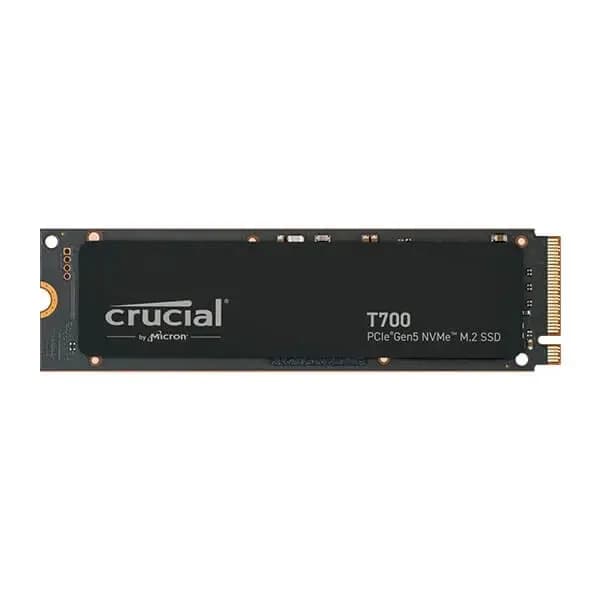
20 total PCIe lanes (16x Gen5 + 4x Gen4) allow for a next‑gen graphics card and a super‑fast NVMe SSD without bottlenecking.
Unlocked for Overclocking
Fully unlocked multiplier lets you push P‑cores, E‑cores, and ring frequency beyond stock limits. Intel XTU provides an easy software interface for tuning.
Intel UHD Graphics 770
Integrated GPU with Quick Sync video encoding – useful for troubleshooting or secondary displays without a dedicated card.
P‑cores vs E‑cores: A Deep Dive
How the hybrid architecture balances speed and efficiency
Raptor Cove P‑cores
The P‑cores are wide, high‑clocked, and feature Hyper‑Threading. They excel at single‑threaded workloads like games, CAD, and office applications.
Gracemont E‑cores
E‑cores are physically smaller, run at lower clocks, and are optimised for throughput. Eight E‑cores fit in the space of two P‑cores, delivering massive multi‑threaded performance for rendering, video encoding, and background tasks.
Real‑World Benefits
While you game, E‑cores handle Discord, OBS streaming, browser tabs, and RGB software, leaving P‑cores free to push maximum FPS.
✓ Pros
- ✓Highest single‑thread performance available – 6.0 GHz out of the box
- ✓24 cores handle every task you throw at it, from gaming to 4K editing
- ✓Supports both DDR5 and DDR4, protecting your existing RAM investment
- ✓PCIe 5.0 ready for next‑gen GPUs and SSDs
- ✓Unlocked multiplier for enthusiasts who want to overclock
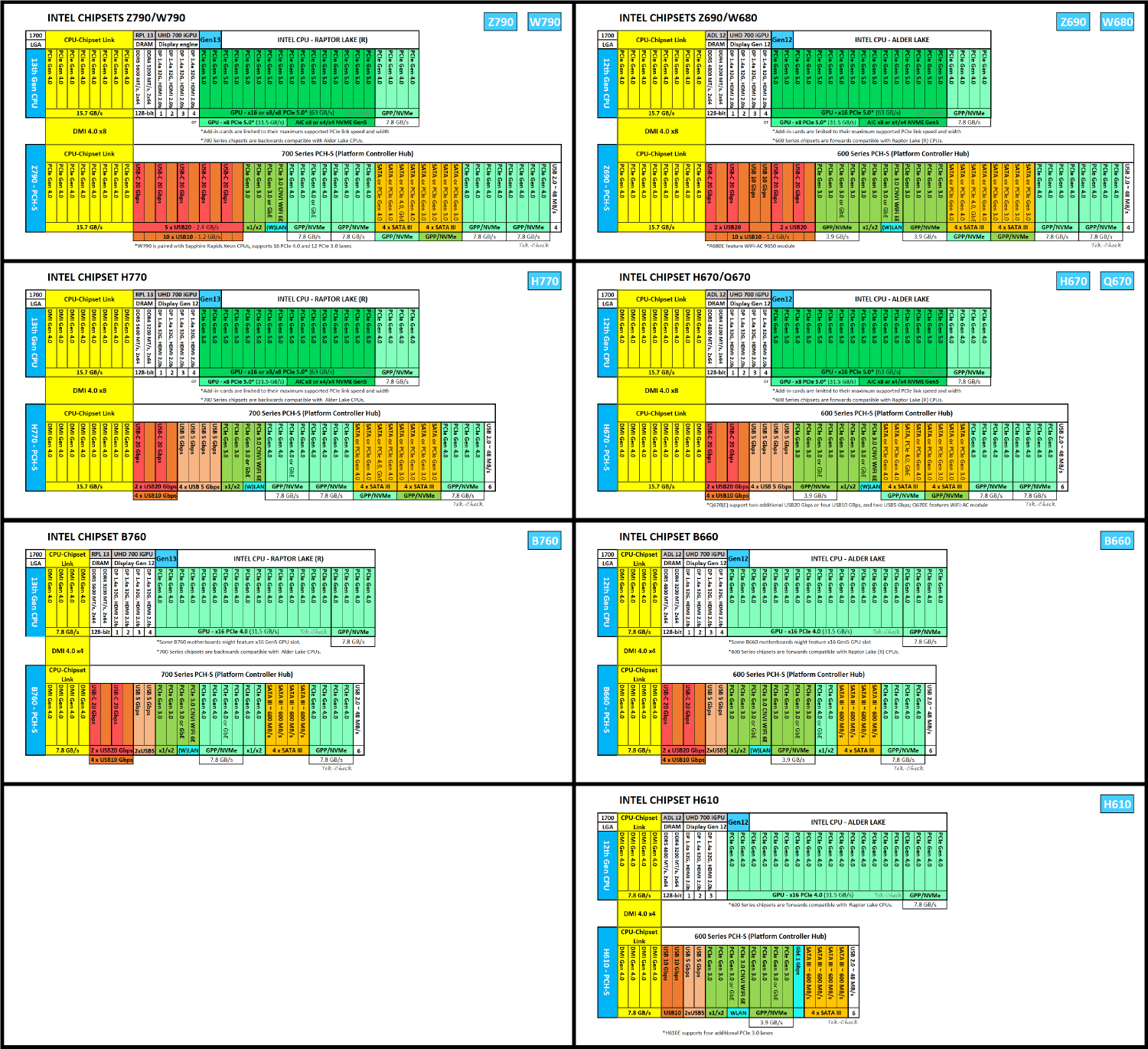
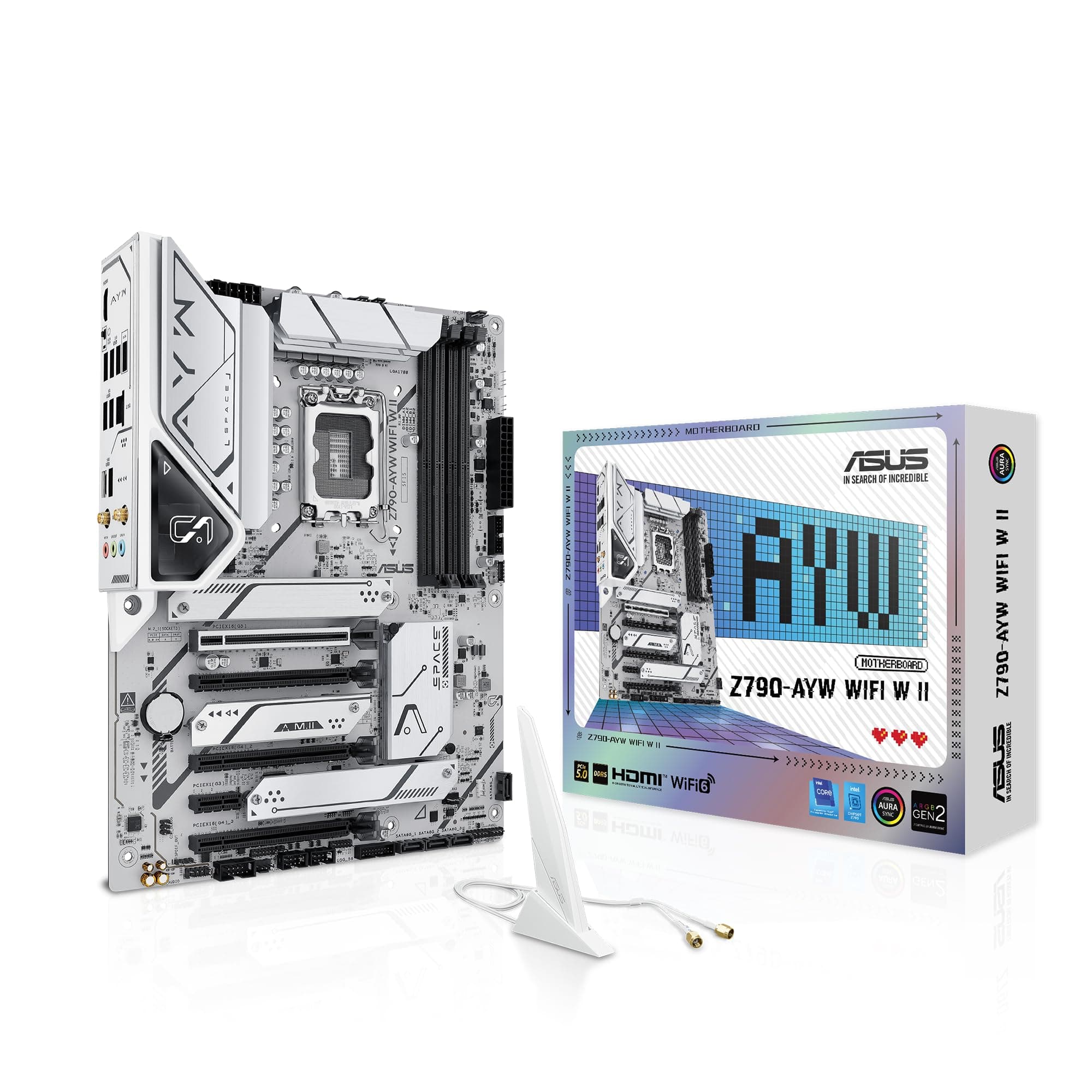
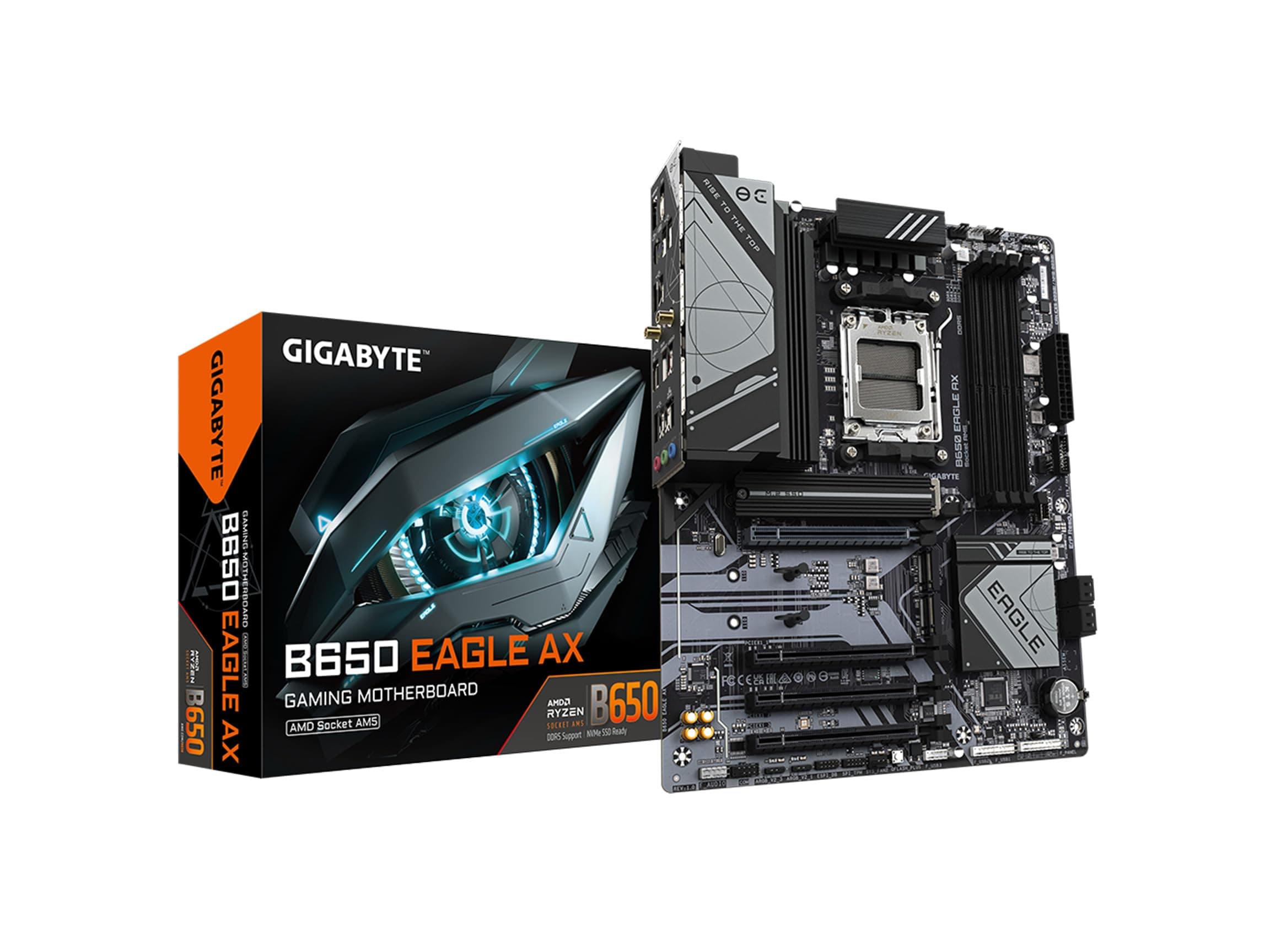
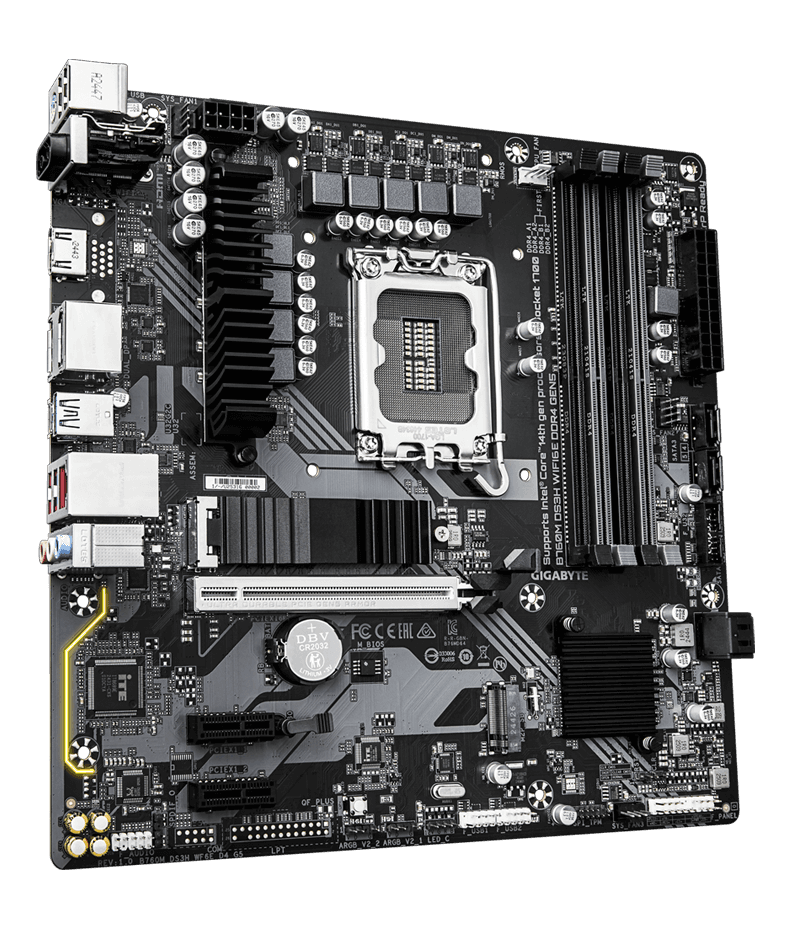
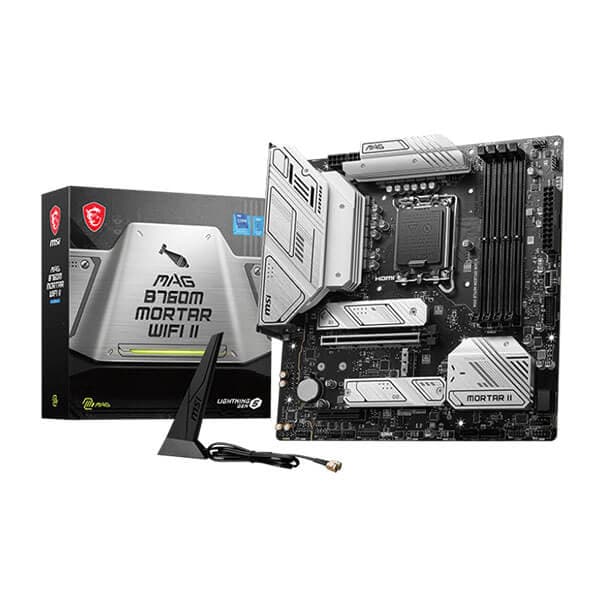
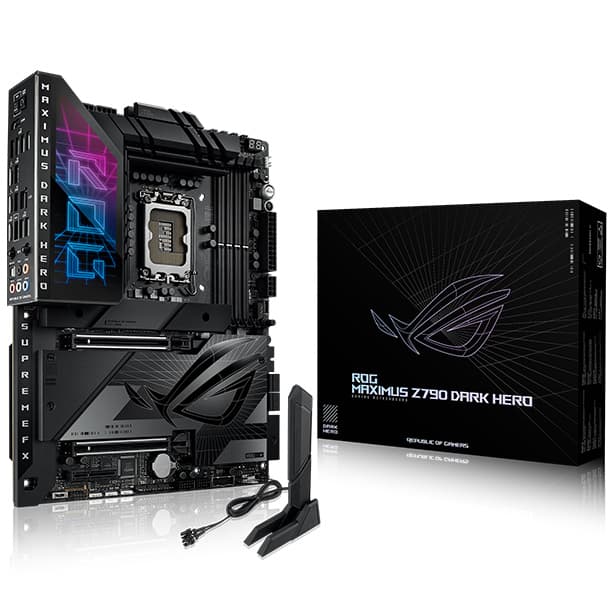
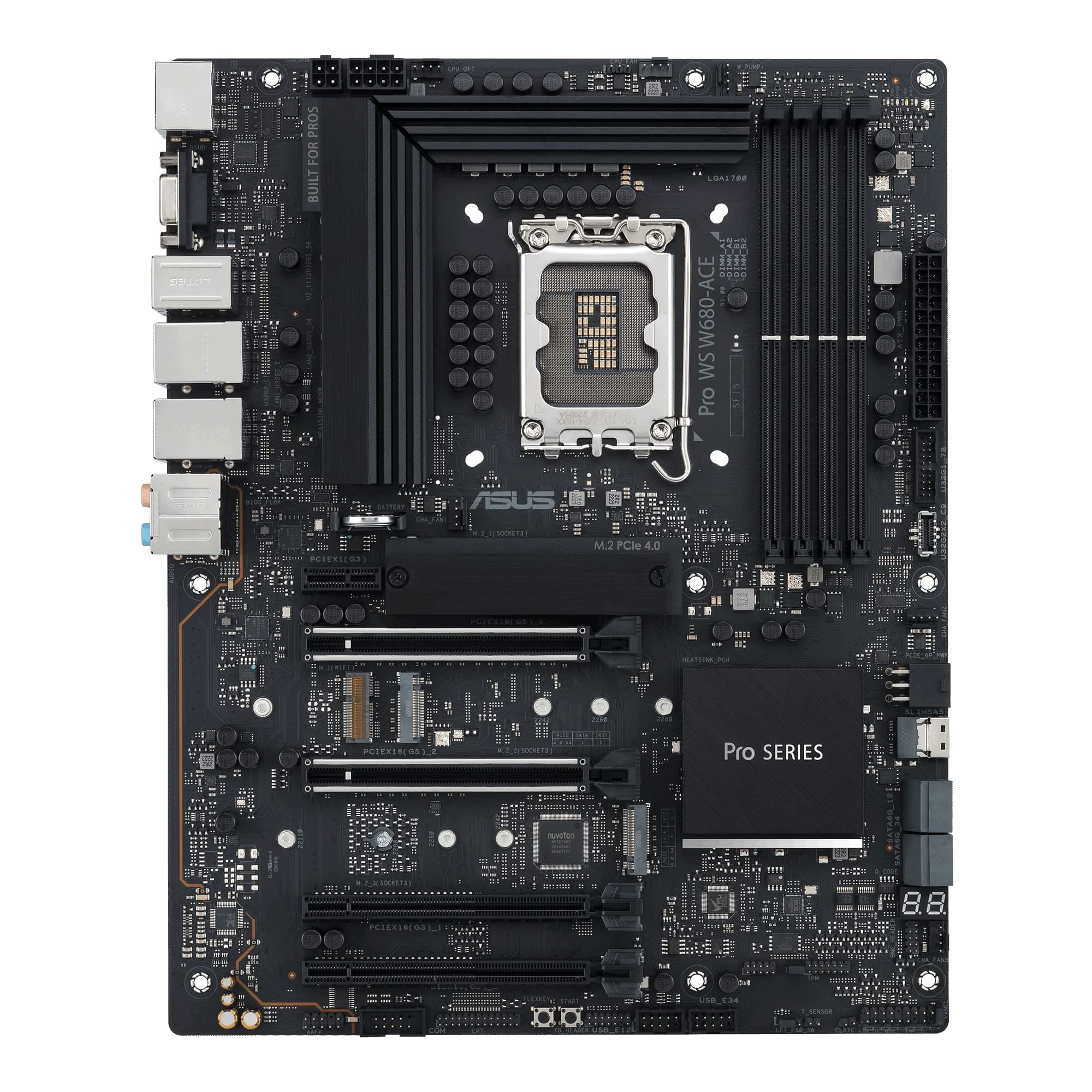
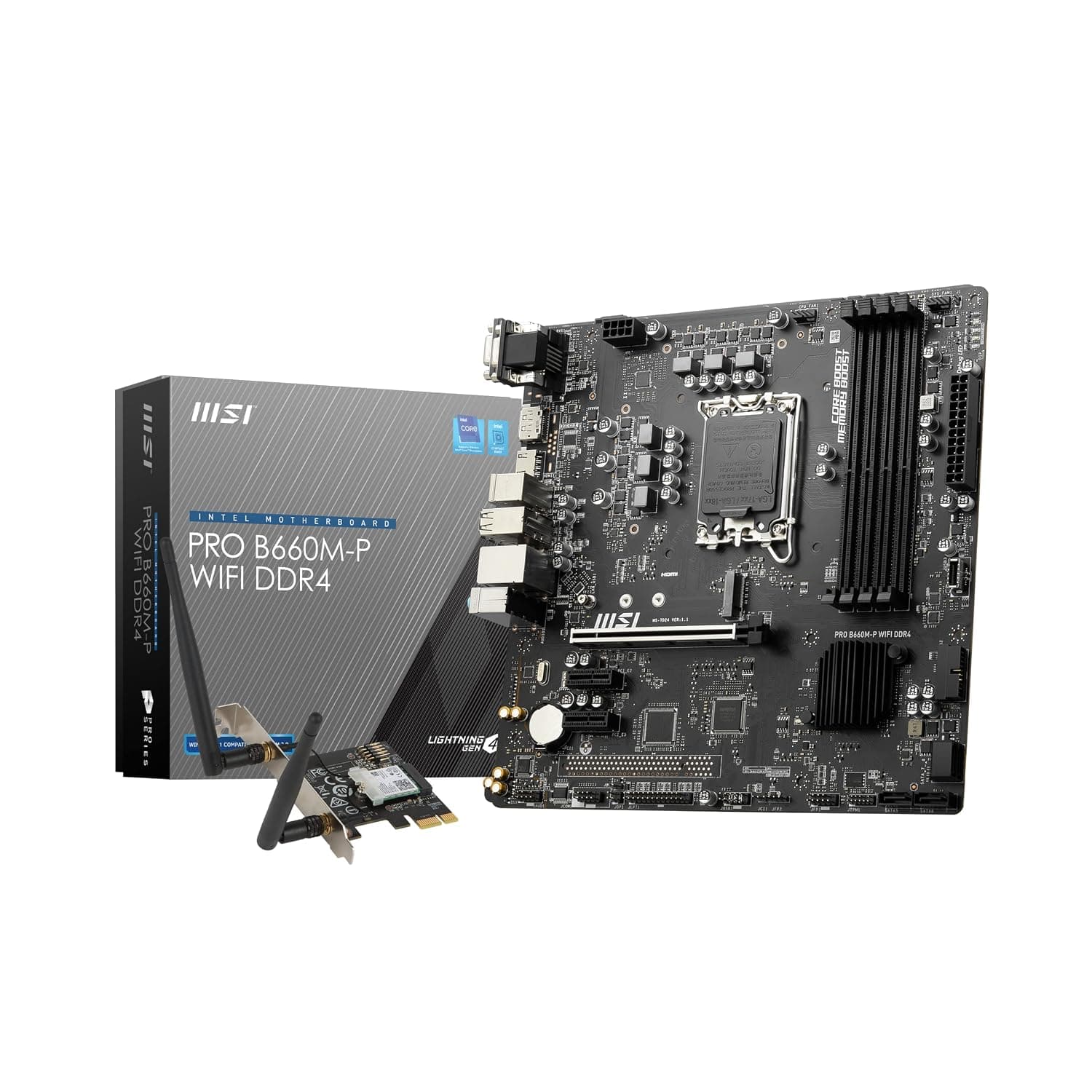
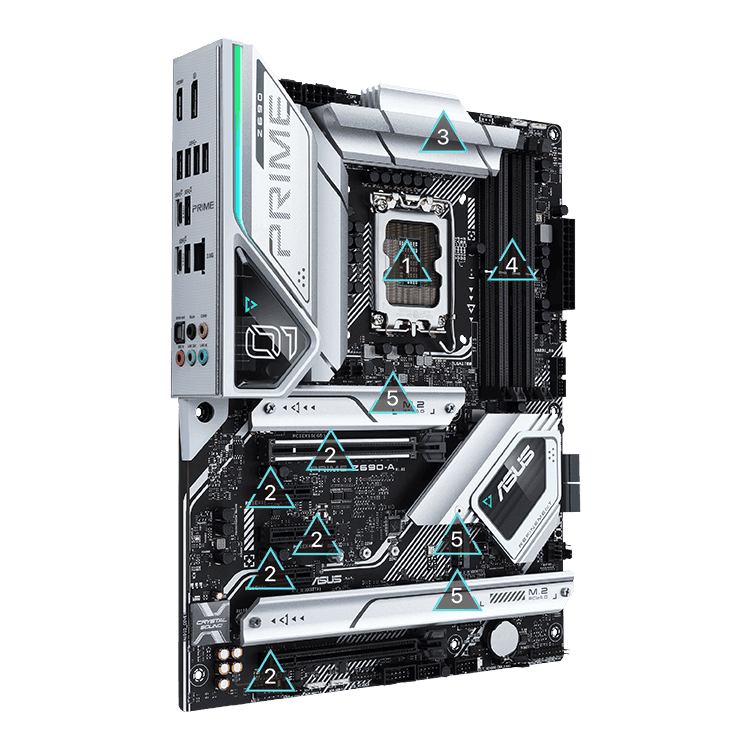
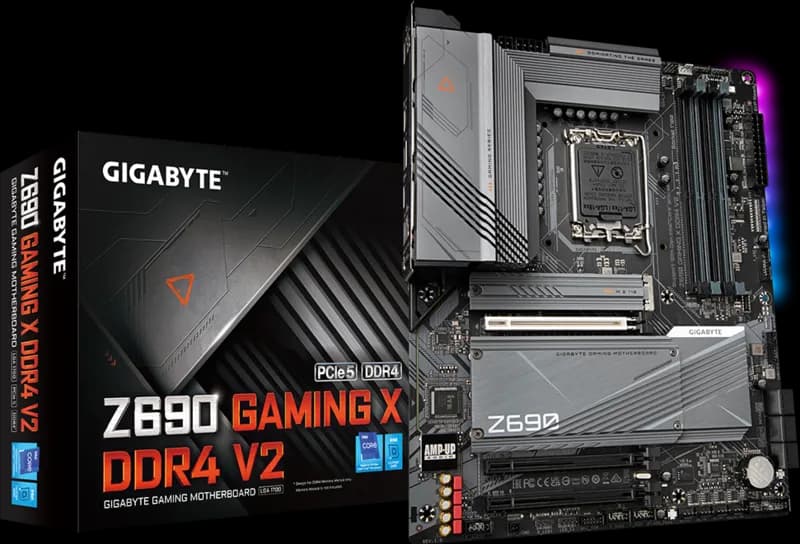
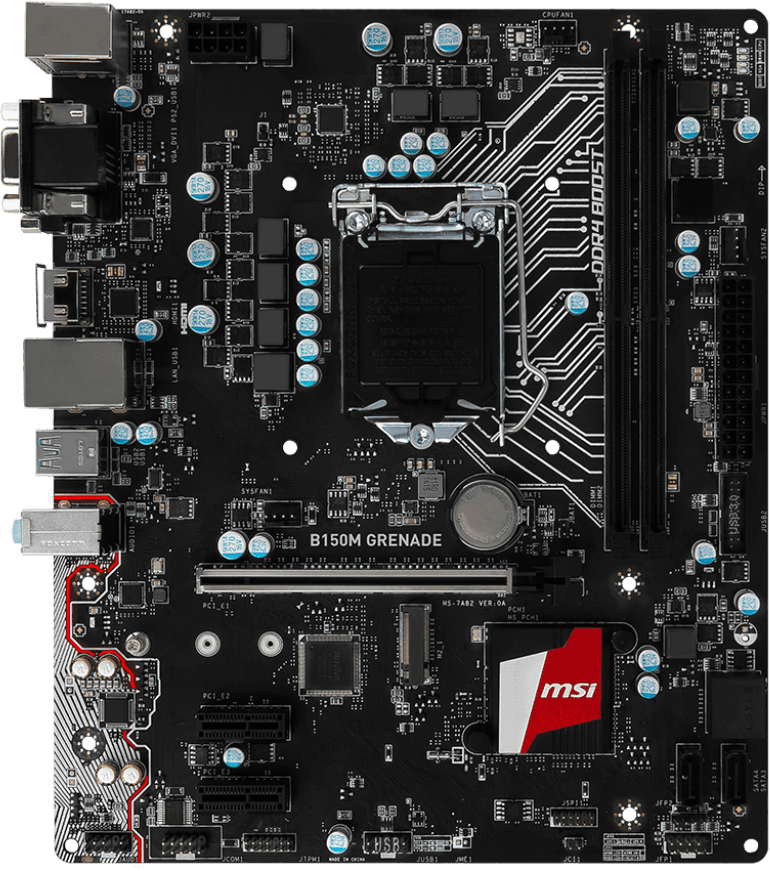
- ✓Drop‑in compatible with LGA1700 600/700 series motherboards
- ✓Integrated UHD Graphics 770 provides a backup display option
✗ Cons
- ✗High power draw – 253W Turbo Power requires robust cooling
- ✗No bundled cooler – you must buy a high‑end air or liquid cooler separately
- ✗LGA1700 platform is end‑of‑life after 14th Gen (no future CPU upgrades)
- ✗E‑core performance gains require Windows 11; Windows 10 does not fully utilise Thread Director
- ✗Price premium over the comparable i7-14700K for a small gaming performance boost
Use Cases
Technical Specifications
Core i9-14900K vs Ryzen 9 7950X vs Core i7-14700K
| Feature | i9‑14900K | r9‑7950X | i7‑14700K | |
|---|---|---|---|---|
| Cores / Threads | 24 / 32 | 16 / 32 | 20 / 28 | |
| Max Boost | 6.0 GHz | 5.7 GHz | 5.6 GHz | |
| Cache (L3) | 36 MB | 64 MB | 33 MB | |
| Memory | DDR5 / DDR4 | DDR5 only | DDR5 / DDR4 | |
| PCIe | 5.0 + 4.0 | 5.0 (24 lanes) | 5.0 + 4.0 | |
| TDP / Turbo | 125W / 253W | 170W / 230W | 125W / 253W | |
| Socket | LGA1700 | AM5 | LGA1700 |
Setup Tips
Update Your BIOS
Before installing the i9-14900K on a 600‑series motherboard, update the BIOS to the latest version to ensure full compatibility. 700‑series boards may also need an update for optimal performance.
Enable XMP/DOCP
After installation, enter the BIOS and enable the memory’s XMP (Intel) or DOCP (AMD) profile to run your RAM at its rated speed. This significantly improves overall performance.
Set Power Limits
By default, many motherboards remove power limits, causing the CPU to run hot. Set PL1 = 125W and PL2 = 253W (Intel spec) for a balance of performance and thermals, or adjust to suit your cooling.